Appearance
Maintain engineer and service group information
Overview
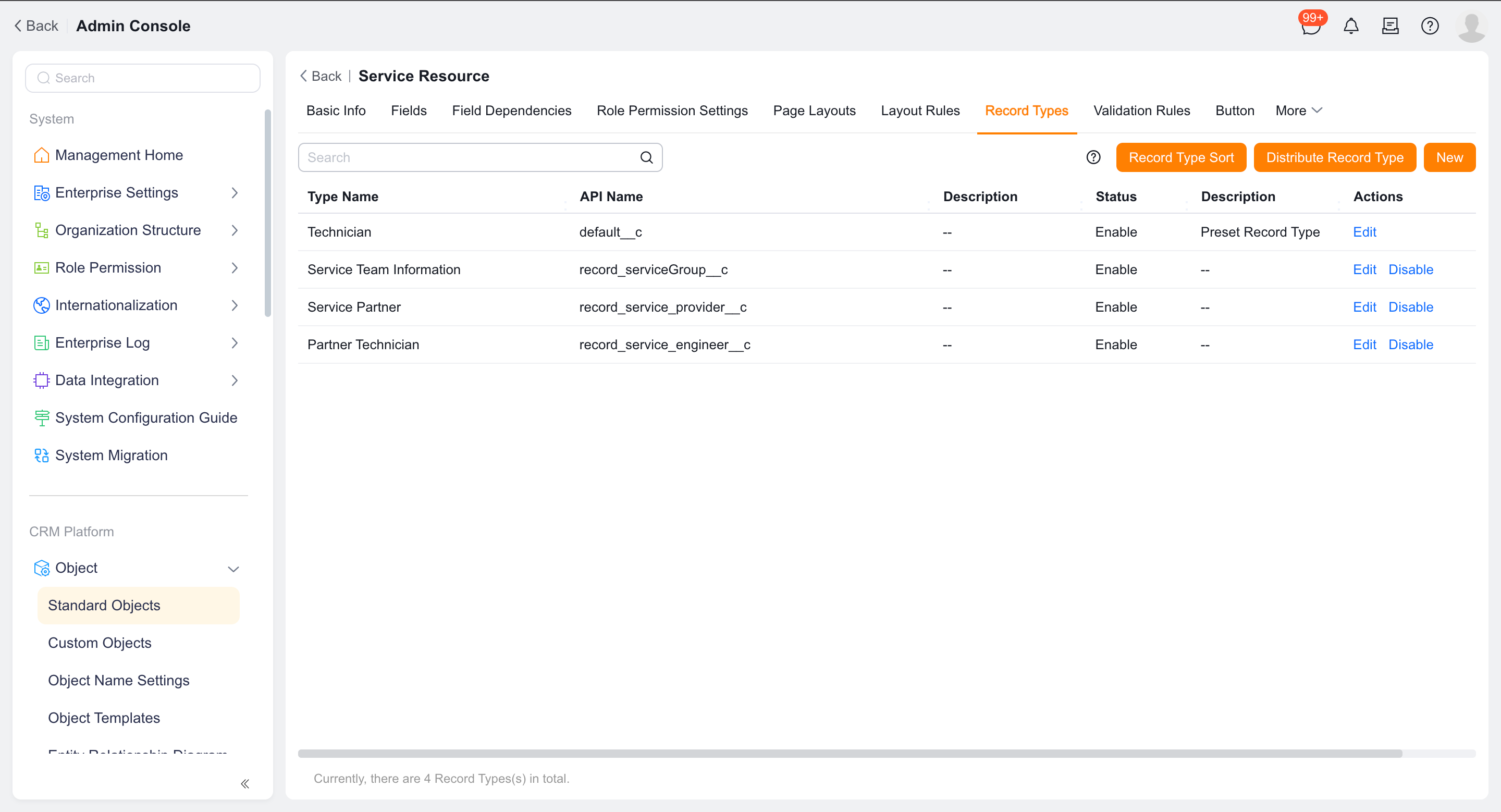
The Service Information (EngineerInfoObj) object stores records for engineers, service groups, service providers, and service provider engineers. Engineer records are automatically generated by the engineer role, and service group records are automatically generated by the service group configuration; neither type of record should be created directly in the service information object.
Before you begin
- Prepare a list of employees required to perform on-site service.
- Confirm that the administrator has permissions to configure roles, service information objects, and data permissions.
- Determine which engineer information will be used for manual filtering or automatic dynamic matching.
Procedure
1. Generate engineer records
Assign the Engineer role to the target employee.
Enter Service Information > Engineer Information and confirm that the system automatically generates records.
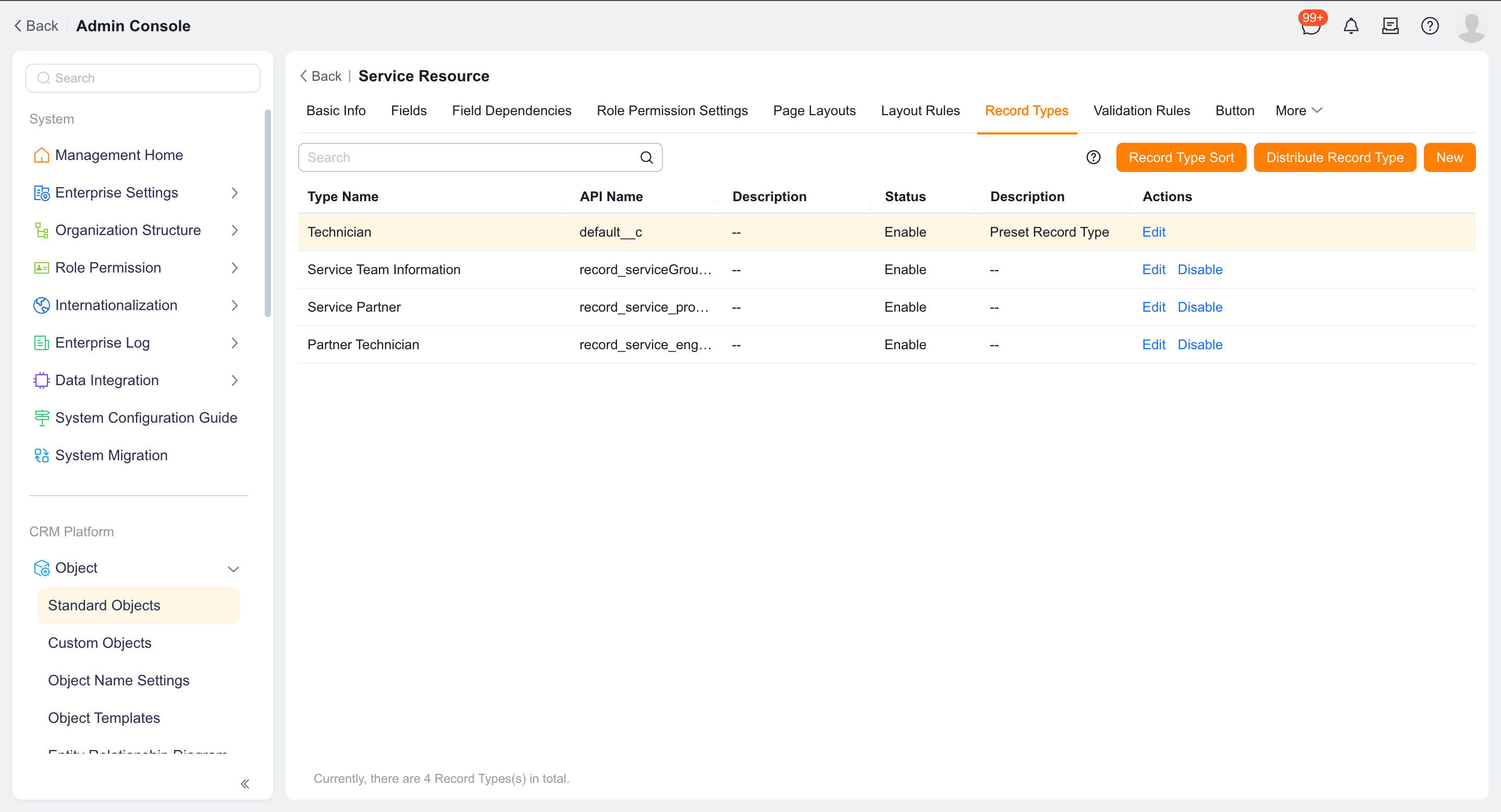
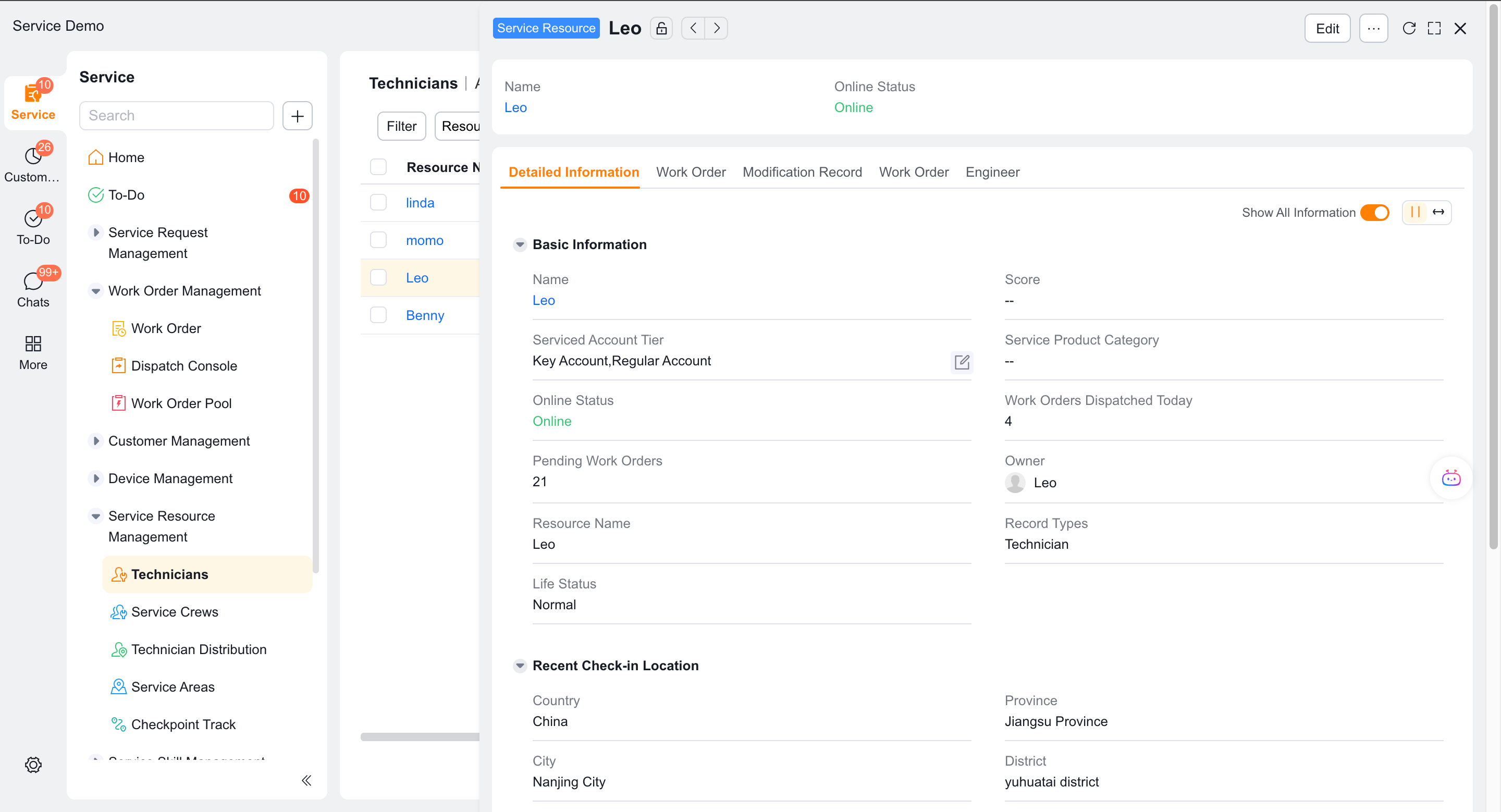
Verify that the Engineer Role field shows Assigned.
After you remove the engineer role, the service information record remains, but the engineer role field shows Unassigned. The engineer business type is default__c.
2. Maintain engineer information
Open the engineer record and maintain ratings, service customer levels and service product categories according to business needs.
Maintain service skills and engineer service areas in the corresponding child objects.
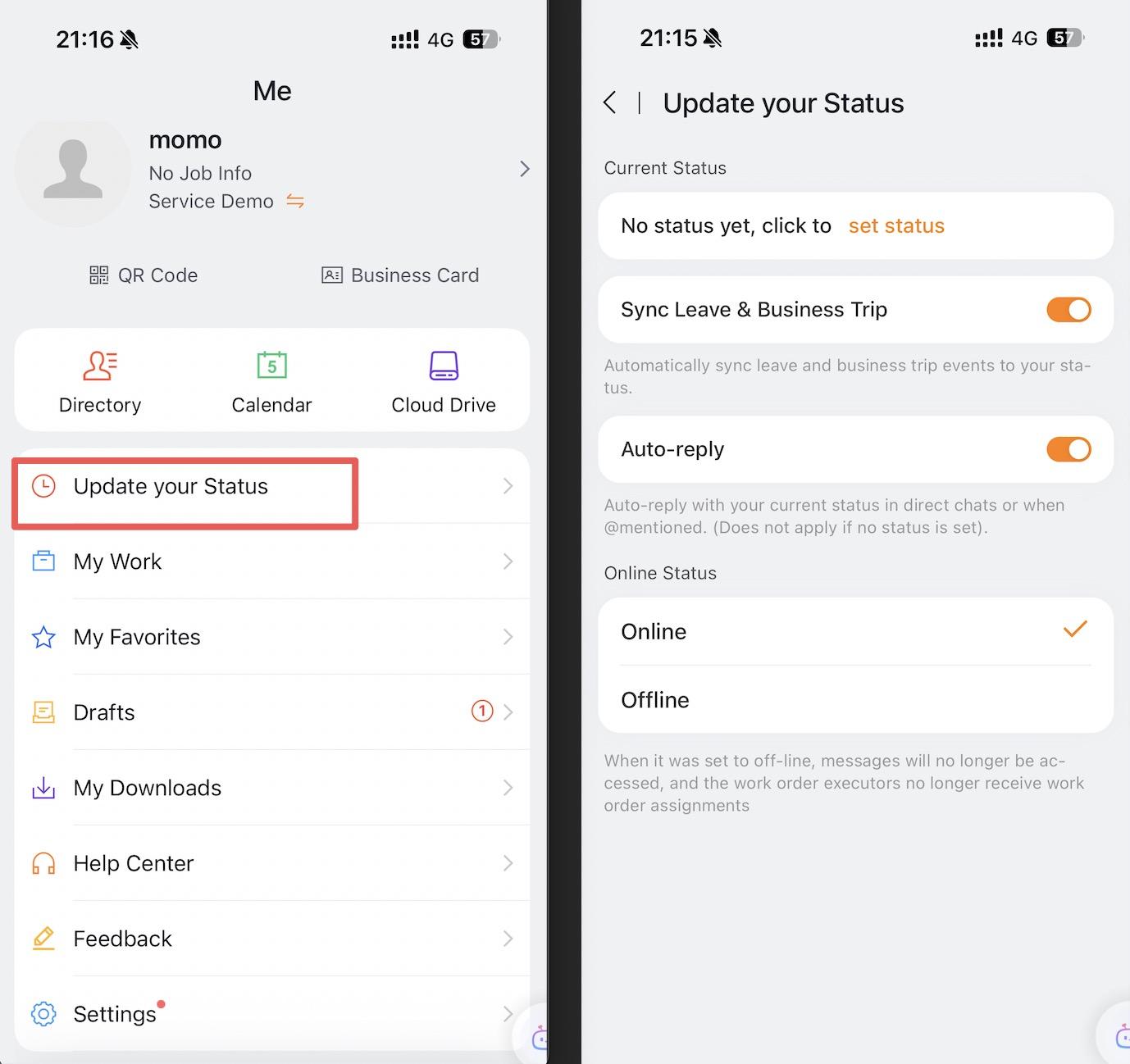
Have engineers maintain their status in Me > Work Status > Online Status. Add options such as Busy or On a Business Trip through customization when needed.
Update the current location through field check-in, the work order check-in component, an on-site standard operation check-in, or a work order check-in.
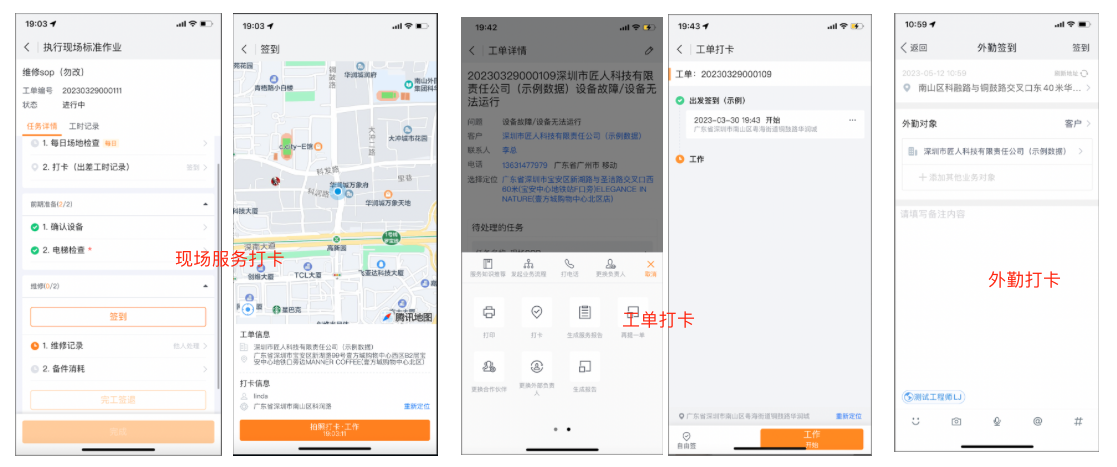
The current location is the location generated by the latest business operation, not real-time positioning. The number of work orders to be processed and the number of work orders assigned today are calculated by the system and cannot be edited.
3. View service group information
Create or modify a service group in Field Service > System Settings > Work Order Assignment > Service Group.
Enter Service Information > Service Group Information and confirm that the system automatically generates the corresponding record.
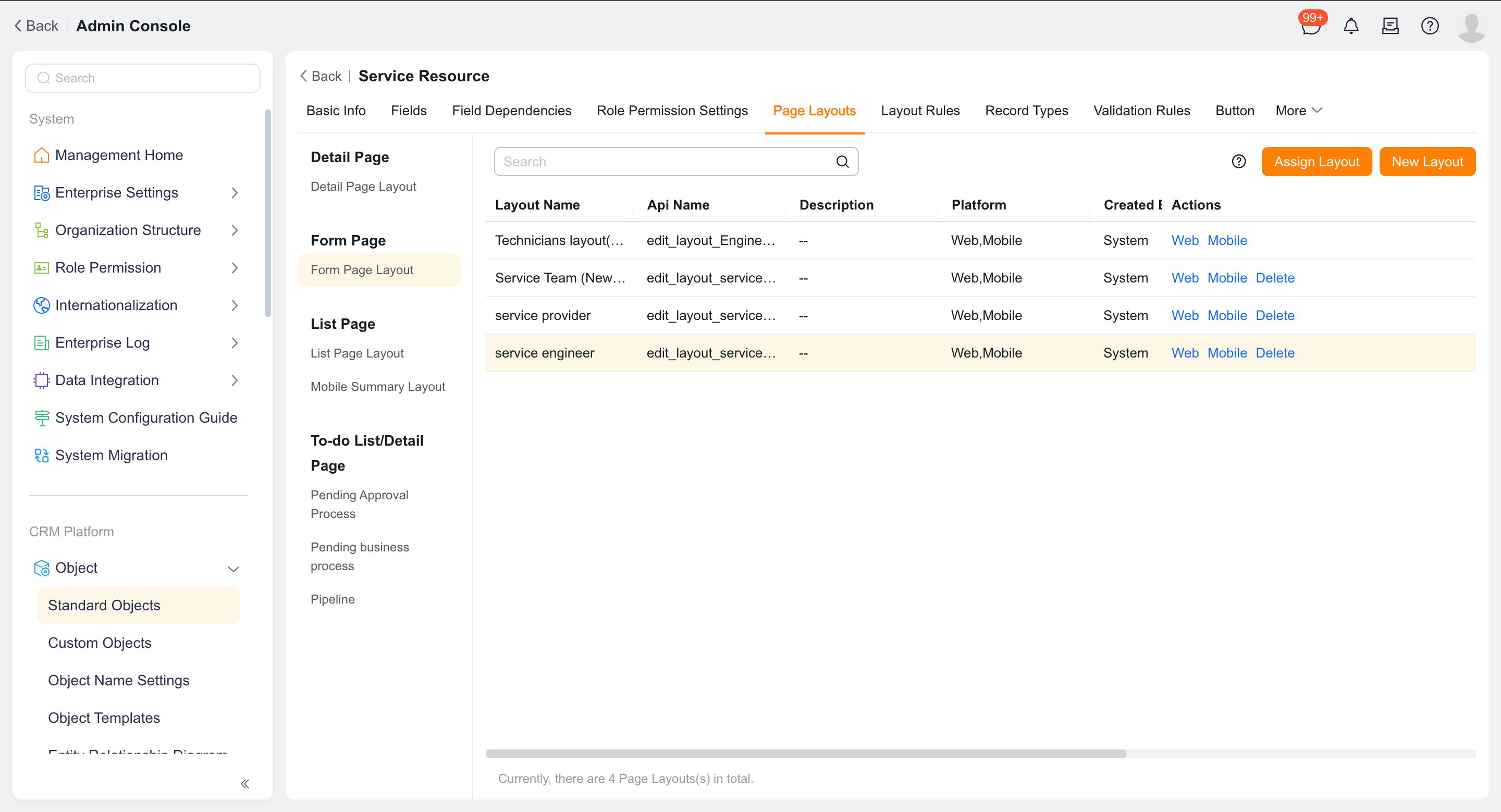
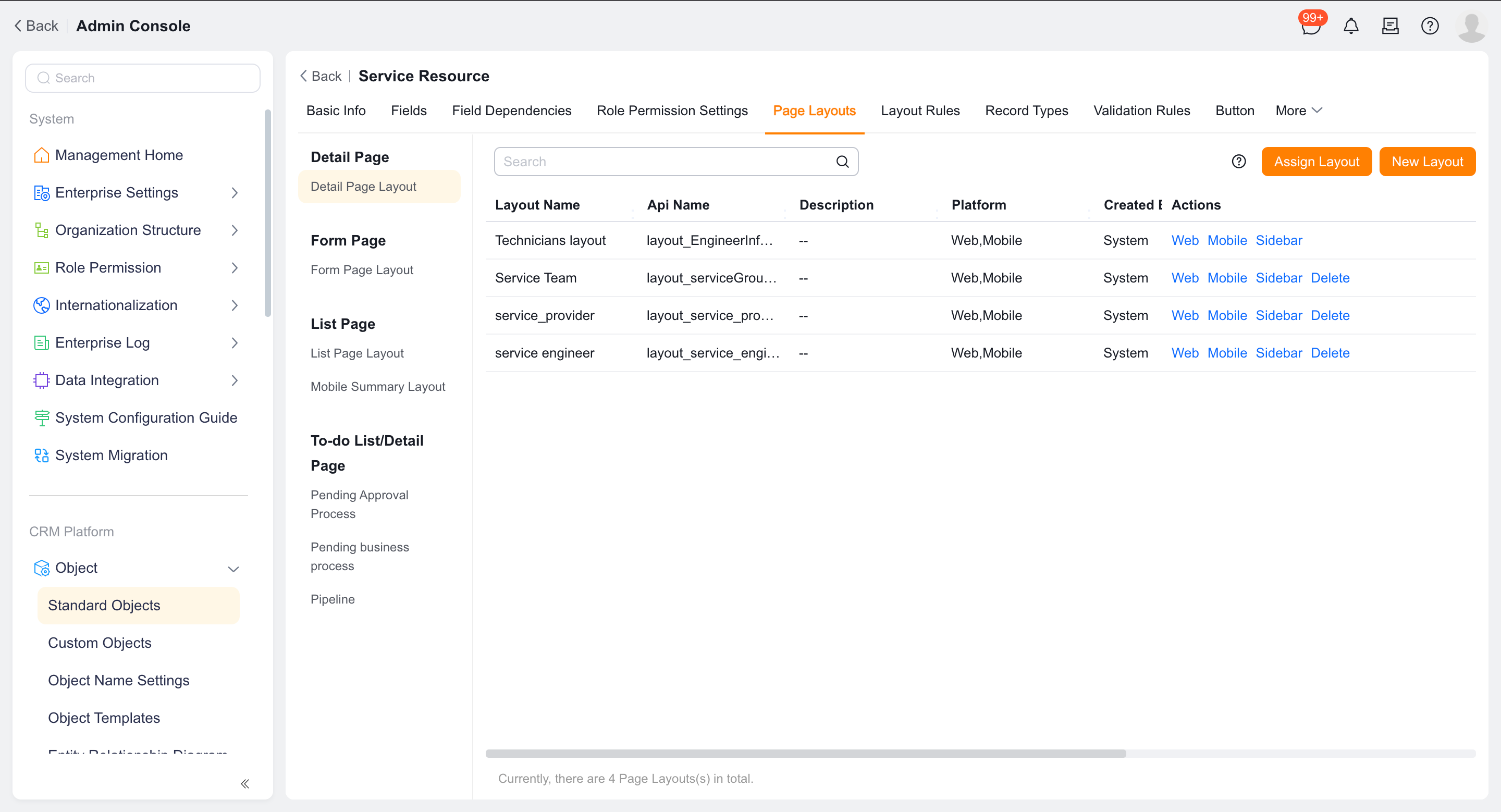
Maintain ratings, service customer levels, and service product categories as needed.
View or maintain the generated service group records from Service Information > Service Group Information.
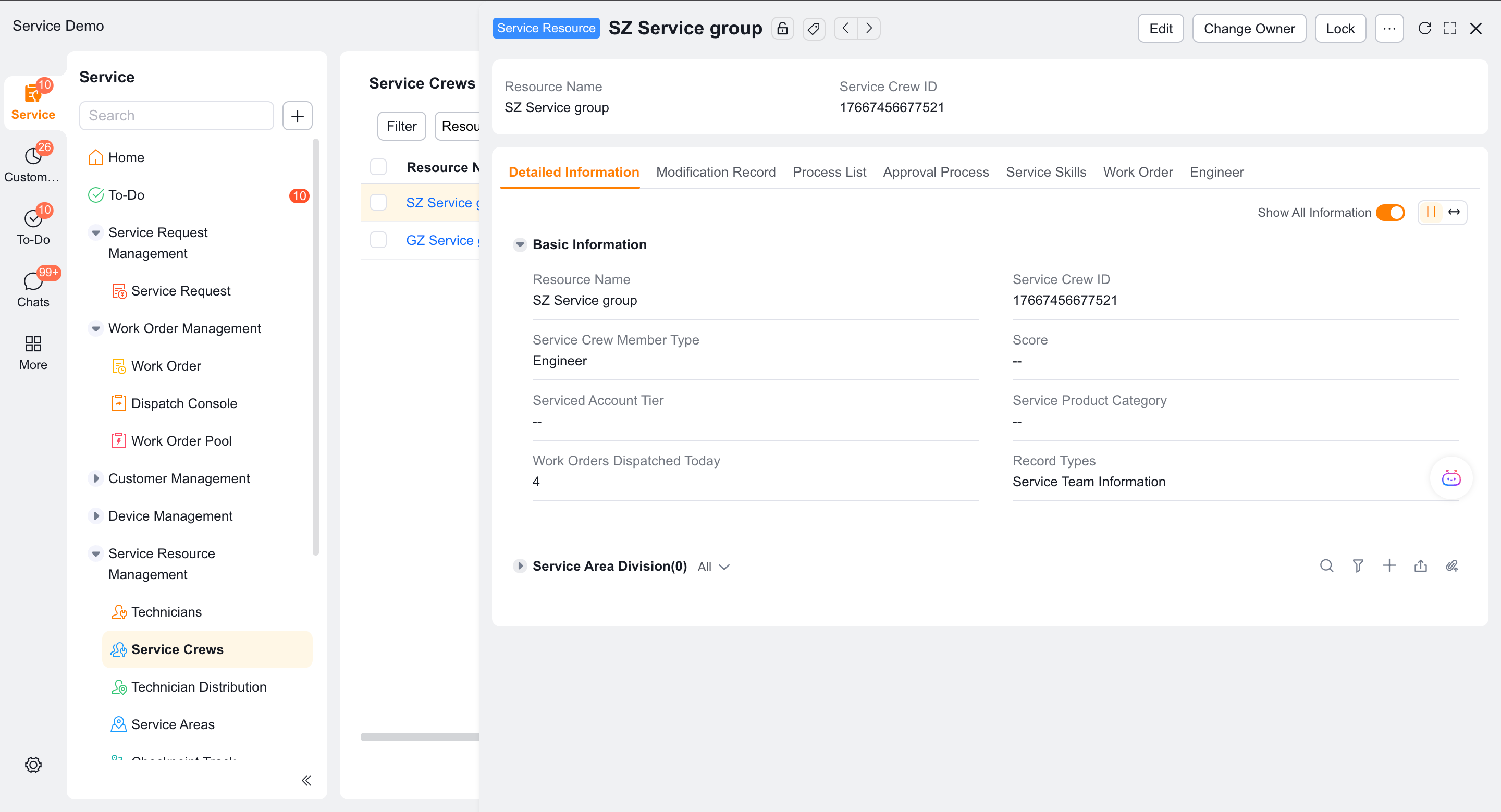
The service group business type is record_serviceGroup__c. Service group information currently stores basic information such as service group name, ID, ownership type, and member type, but does not include service group skills or service group service areas.
4. Configure visible range
- Allow viewing list, viewing details, or editing permissions for roles that use service information.
- Configure data sharing or data permissions according to standard object permissions.
- Use the target role account to confirm that only engineers and service groups within its scheduling range can be seen.
Verify the result
- After assigning the engineer role, the system automatically generates engineer records.
- After creating a new service group, the system automatically generates service group records.
- Engineer locations, online statuses, skills, and service areas are available to dispatch pages and rules.
- The range of service information seen by different scheduling roles complies with the sharing rules.
Notes
- Do not create new engineer or service group type service information records directly.
- Service information objects follow standard object data permissions.
- The engineer's location is not continuously located in real time.