Appearance
Transfer, loan, and return assets
Overview
Asset tracking management is for enterprise-owned equipment and is used to handle borrowing, extension, return and transfer. It differs from equipment sold to customers primarily for maintenance and repair: owned assets require ongoing management of occupancy status, expected return date, customer, and delivery address.
Before you begin
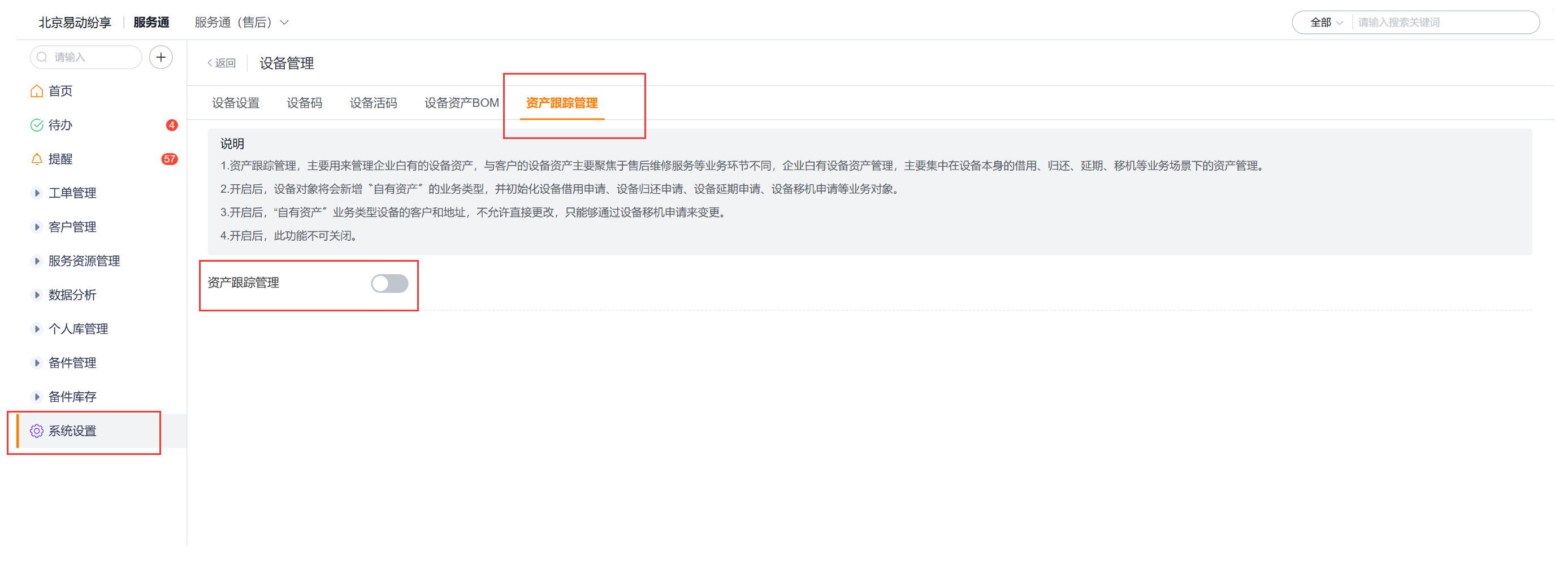
- The administrator has enabled asset tracking management. After activation, the system adds the Owned Assets business type and initializes business objects such as equipment borrowing, return, extension, and allocation.
- The equipment business type that needs to be borrowed is Owned Assets, and the management status is Borrowable.
- The current account has the permission to create and view the corresponding business objects.
- If the enterprise has configured an approval flow for extension, return or transfer, submitting the record will only initiate approval; the corresponding equipment fields will be automatically updated after the approval is passed.
- After asset tracking management is enabled, the customers and addresses of own assets cannot be modified directly and need to be changed through device allocation.
Create new own assets
- Enter the Device object list and click New.
- Select Owned Assets as the business type.
- Maintain the management status of the device. The default status includes available to borrow and borrowing.
- Fill in the product, device code and other required information and submit.
Only equipment whose business type is Owned Assets and whose management status is Borrowable can be added to the borrowing details.
Apply for equipment loan
- Search for Equipment Loan in CRM, or go to Asset Management > Equipment Loan.
- Click New and select a preset business type or an enterprise-defined equipment borrowing business type.
- Fill in the applicant, applicant’s phone number, application date and application purpose.
- Add borrowing details according to the applicant’s clarity:
- The specific device has been determined: Click Add from device and select the device whose management status is Borrowable.
- Only determine the product model: add it from the product, and then the device administrator will arrange the specific device.
- Submit after checking the borrowed equipment or products.
Apply for equipment extension
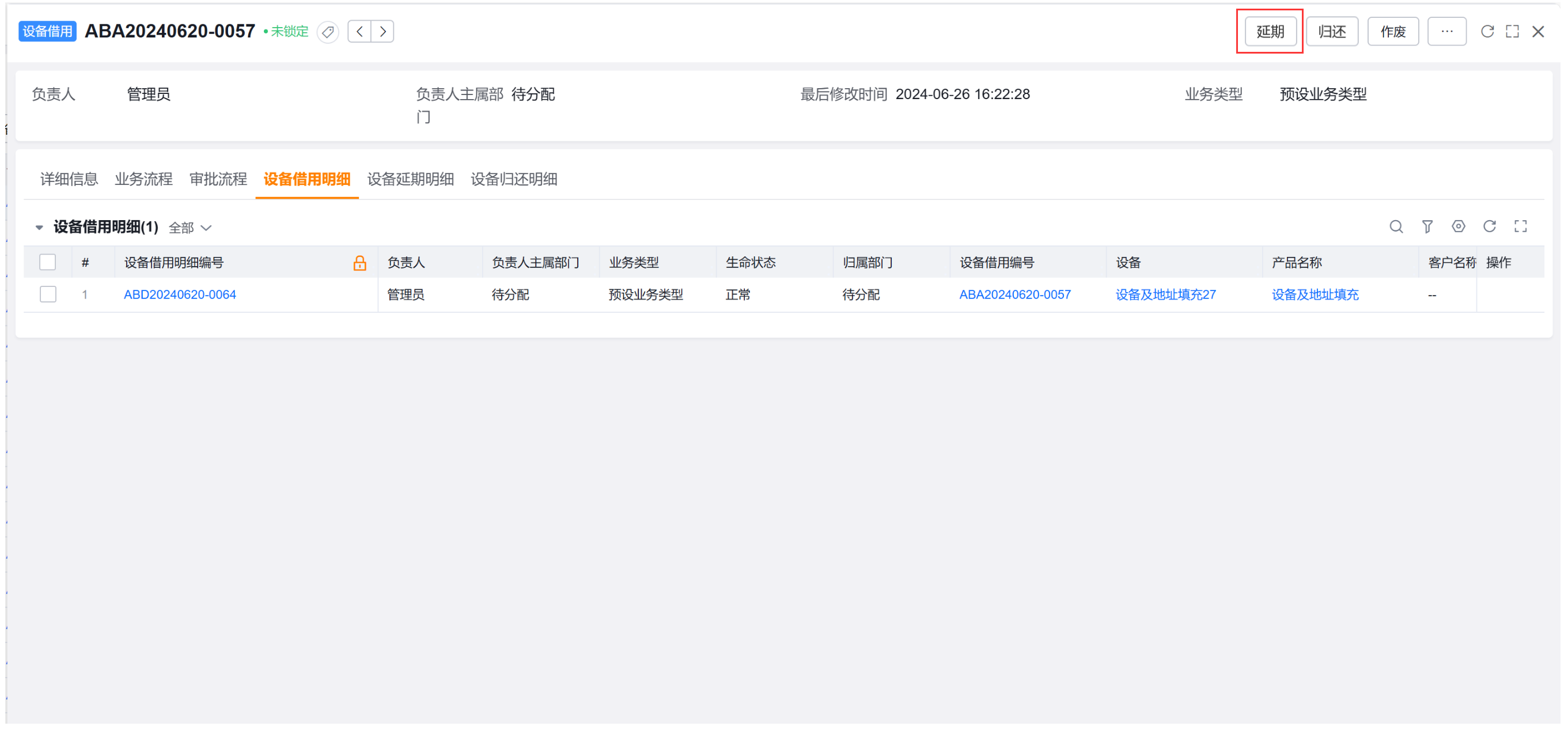
- Open the original Equipment Borrowing details and click Extension in the upper right corner; you can also create and select the original equipment borrowing details in the Equipment Extension list.
- Fill in the reason for the extension and the date of application for extension.
- Submit an extension record.
- If the approval flow is configured, wait for the approval and then check whether the Estimated Return Date of the device has been updated.
Handle equipment return
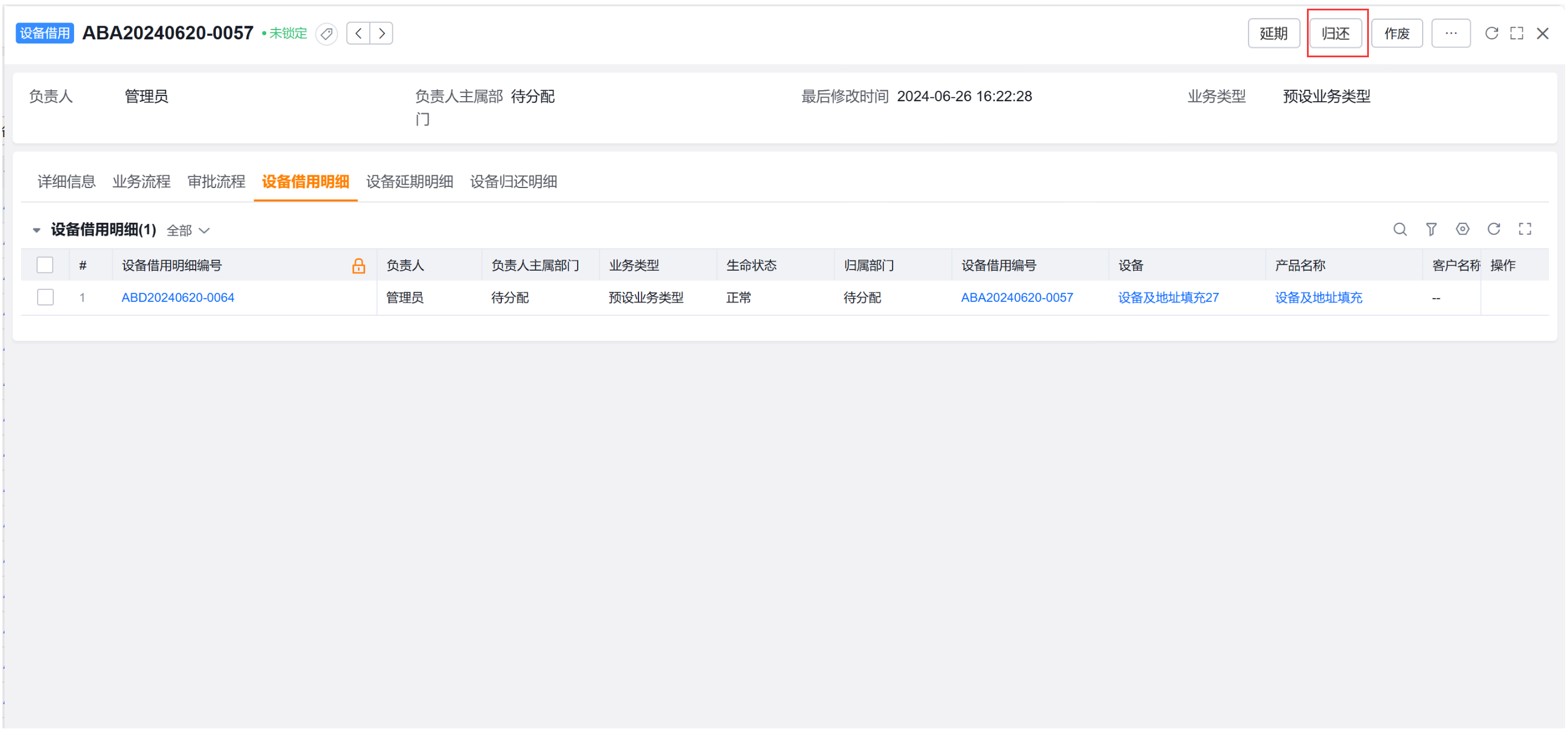
- Open the original Equipment Borrowing details and click Return in the upper right corner; you can also create and select the original equipment borrowing details in the Equipment Return list.
- Fill in the actual return date.
- Submit return record.
- If the approval flow is configured, wait for the approval and check whether the management status of the device has been updated to Available for Borrowing.
Handle equipment allocation
Equipment allocation is used for equipment relocation, including address changes, customer changes, equipment recycling and other preset reasons.
- Enter the Device Allocation list and create a new record.
- Select the device to be transferred and fill in the reason for the transfer.
- Supplement the target information according to the reason for moving the machine:
- Address change: fill in the new delivery address; you can choose map positioning, and the system will backfill the province, city, district and detailed address.
- Customer Change: Select a new customer.
- Equipment recycling: fill in the recycling information according to the requirements of the enterprise form.
- Submit transfer record.
- If the approval flow is configured, wait for the approval to check whether the device's customer and delivery address have been updated.
Expected results and verification
| Action | Validation point when configuring approval flow | Results that should be checked |
|---|---|---|
| Borrowing | Subject to the actual process of the company | Borrowing records and details have been generated; equipment management status is checked according to the company's process |
| Extension | After approval | Estimated return date updated |
| Return | After approval | Management status returns to Borrowable |
| Allocation | After approval | Customer, delivery address and other information have been updated |
After equipment is borrowed, extended, returned or allocated, the system will also generate the corresponding equipment asset history.
Notes
- Owned Assets means that the organization owns the equipment. The default business type usually represents customer-owned equipment used for after-sales service. Do not mix their loan rules.
- When adding borrowing details from a specific device, the system only allows you to select devices whose management status is Borrowable.
- Adding from products only expresses product requirements and does not mean that specific equipment has been allocated. Subsequent arrangements by the equipment administrator are still required.
- Submitting the application and completing the update of the business fields are not at the same time. After configuring the approval flow, the device fields that pass the approval should prevail.
- When the customer or delivery address of your own assets changes, do not edit the equipment field directly, but create a new equipment allocation record.