Appearance
View engineer distribution
Overview
Engineer Distribution reads engineer records from the Service Information object. It provides map and Gantt chart views but does not dispatch work orders. Map distribution supports web and mobile; Gantt chart distribution only supports web.
Before you begin
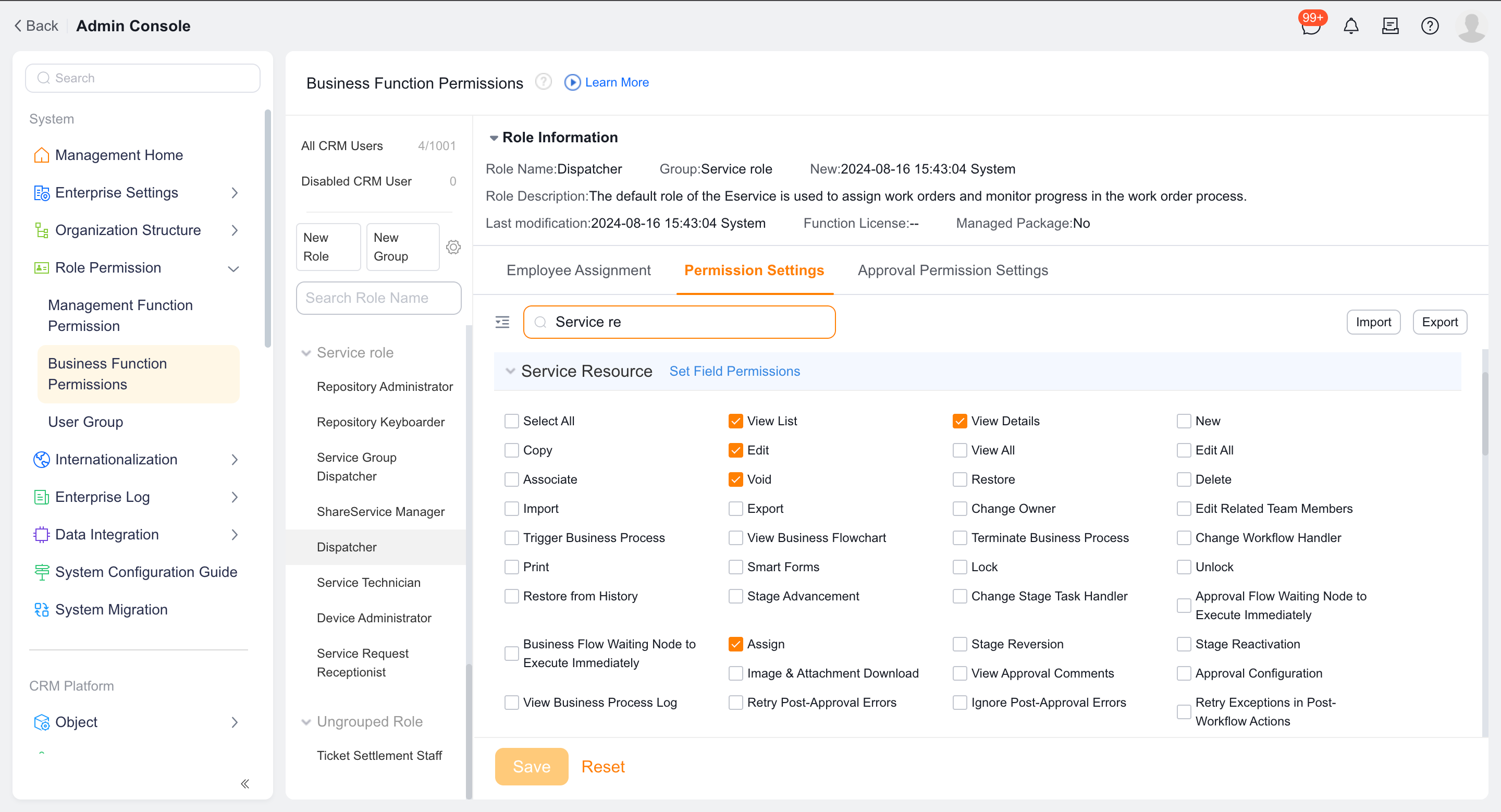
- The target role has the View List and View Details permissions for the Service Information object.
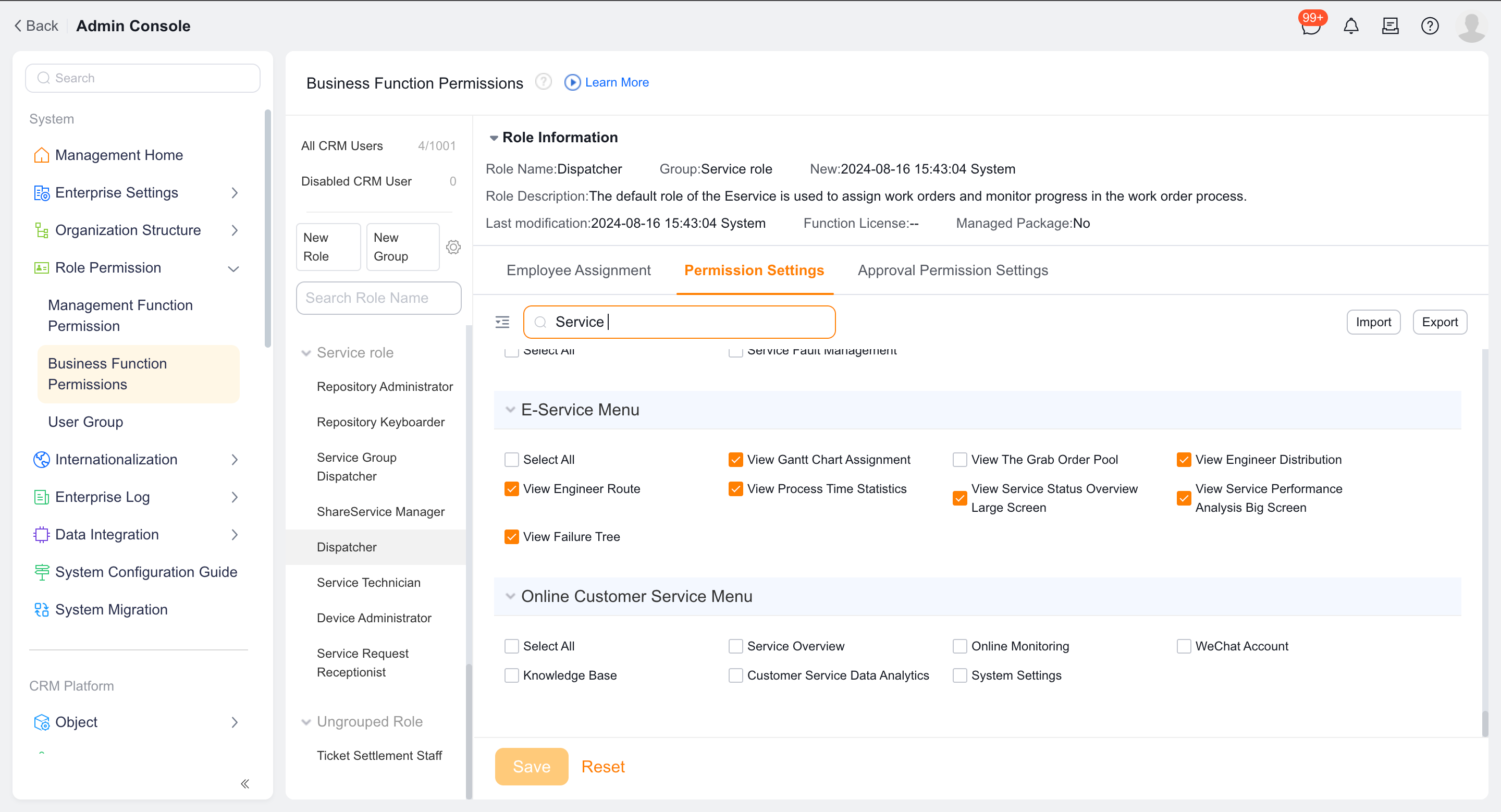
- The target role has the view engineer distribution function permission of Field Service.
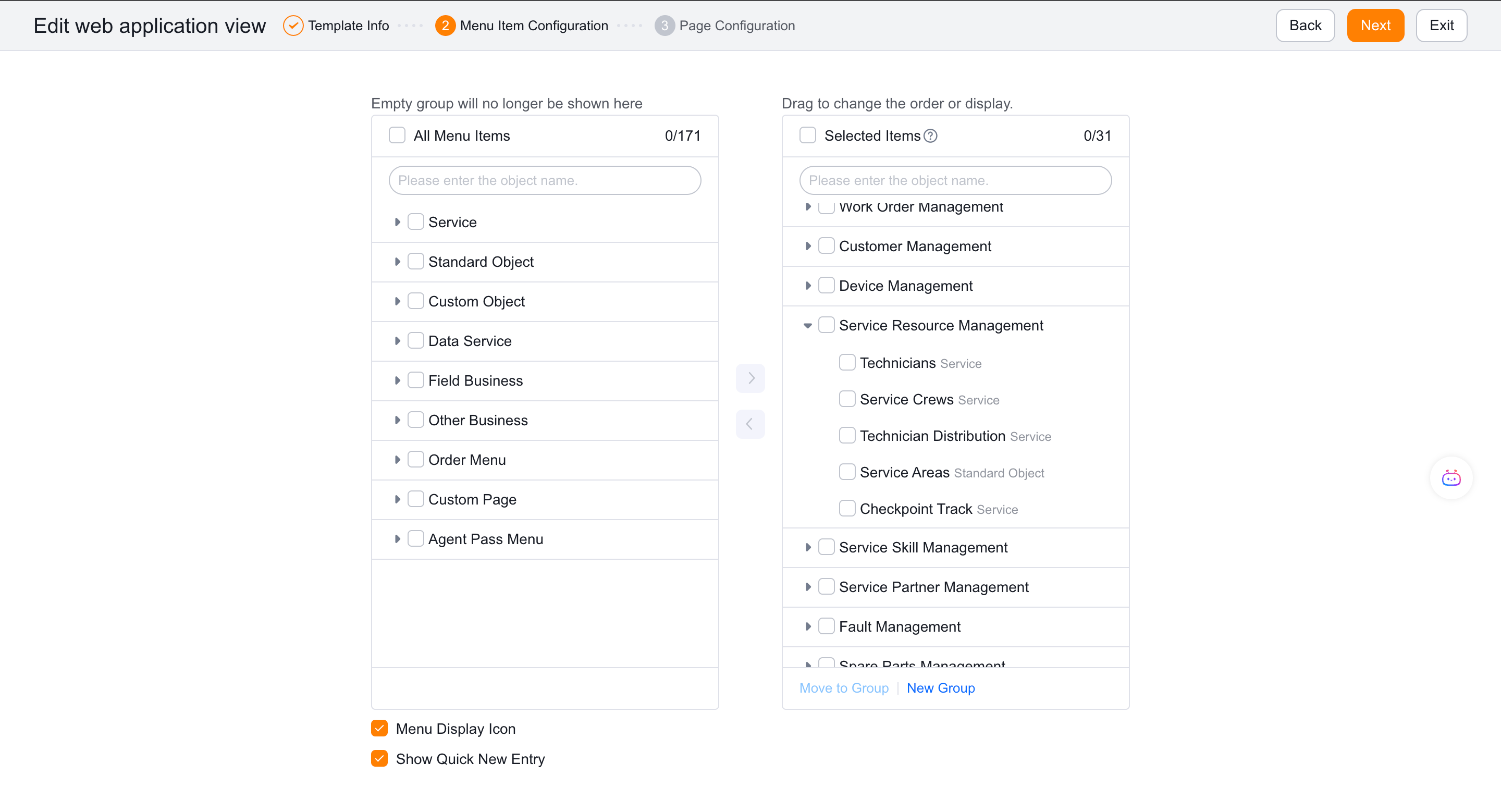
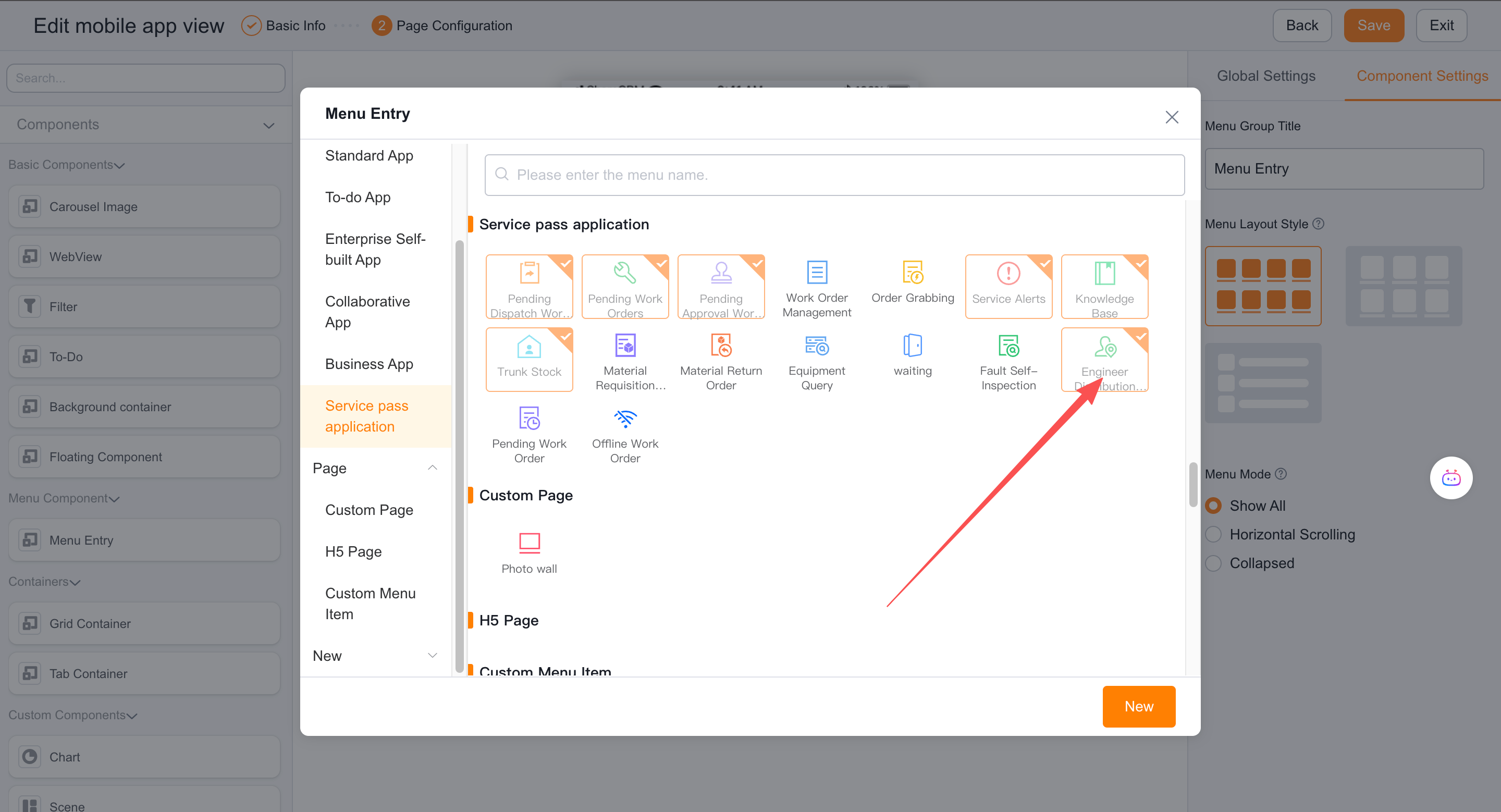
- The web or mobile menu has been added to Service > Engineer Distribution.
- The data permissions of the service information object have been configured according to the scheduling scope.
Procedure
1. Configure permissions and menus
Grant View List and View Details permissions for the Service Information object.
Grant the View Engineer Distribution function permission.
Add Engineer Distribution to the menu for each required platform.
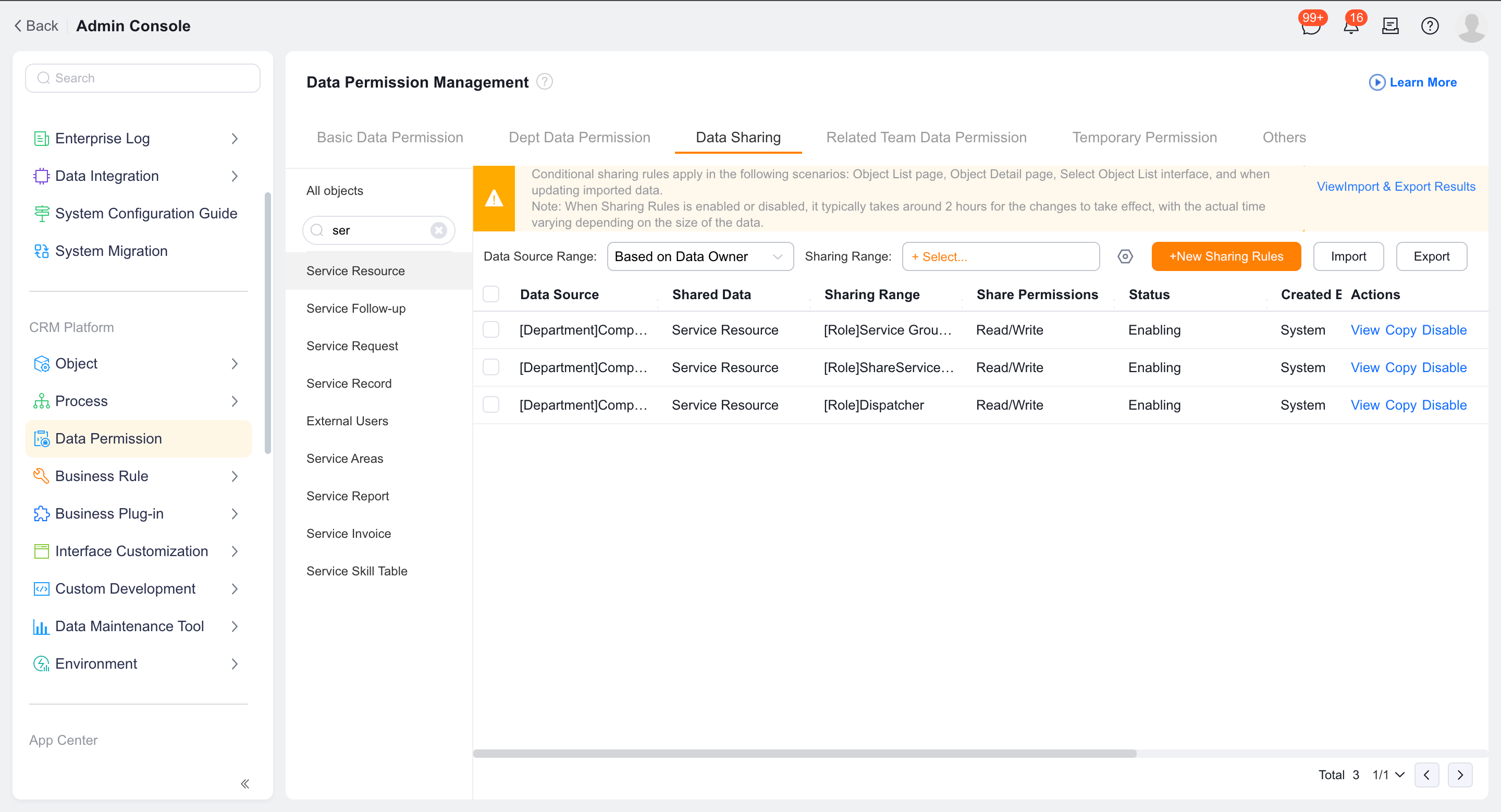
Configure data sharing so that users can see all or a specified range of engineers.
2. View map distribution
Confirm that the engineer has the current location resulting from the business operation.
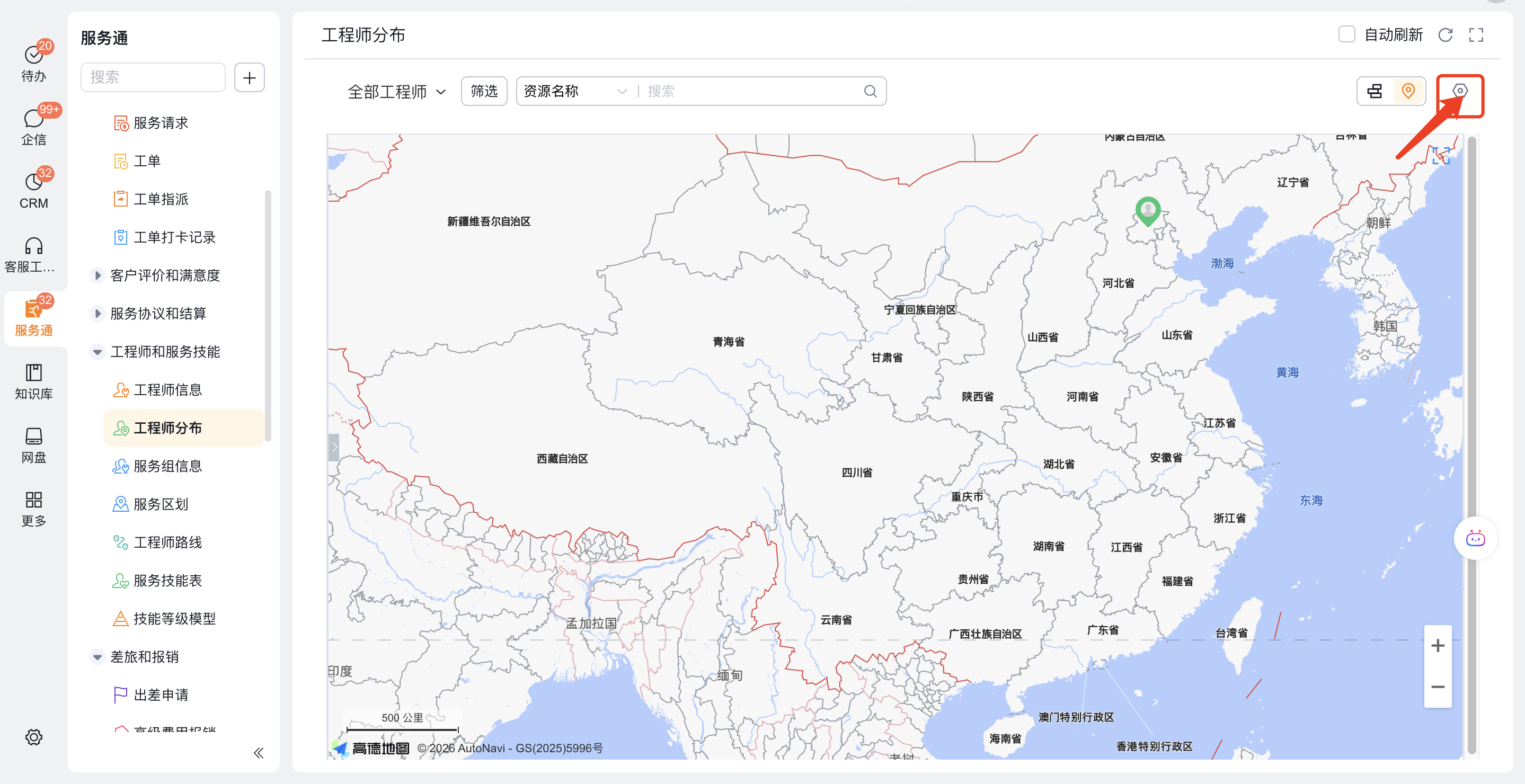
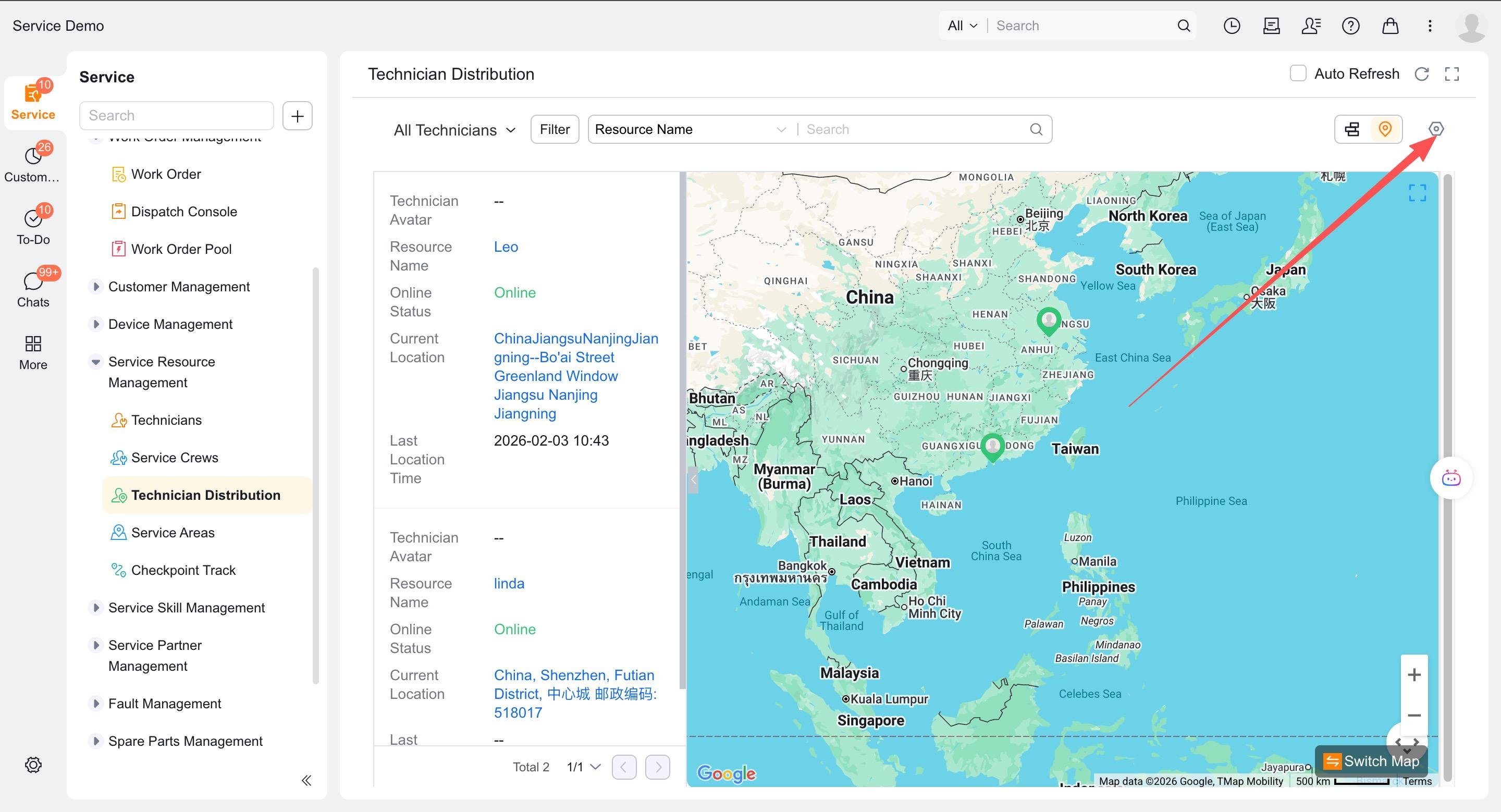
Enter Engineer Distribution > Map Distribution.
Enable automatic page refresh as needed.
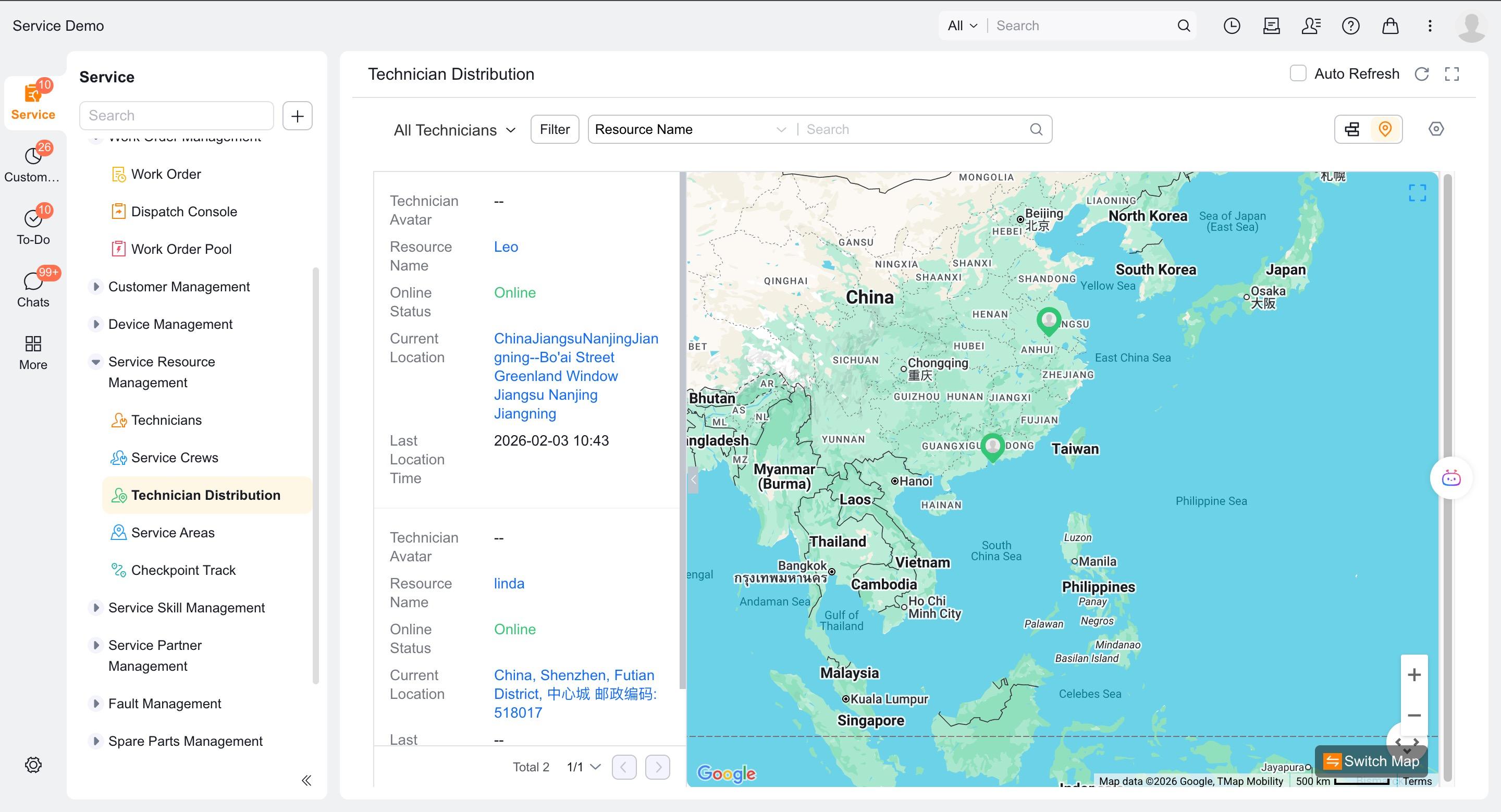
Click on the avatar to view the engineer summary, and click on the name to enter the engineer details.
If you want to view the work order in details, add the engineer work order component to the engineer information layout.
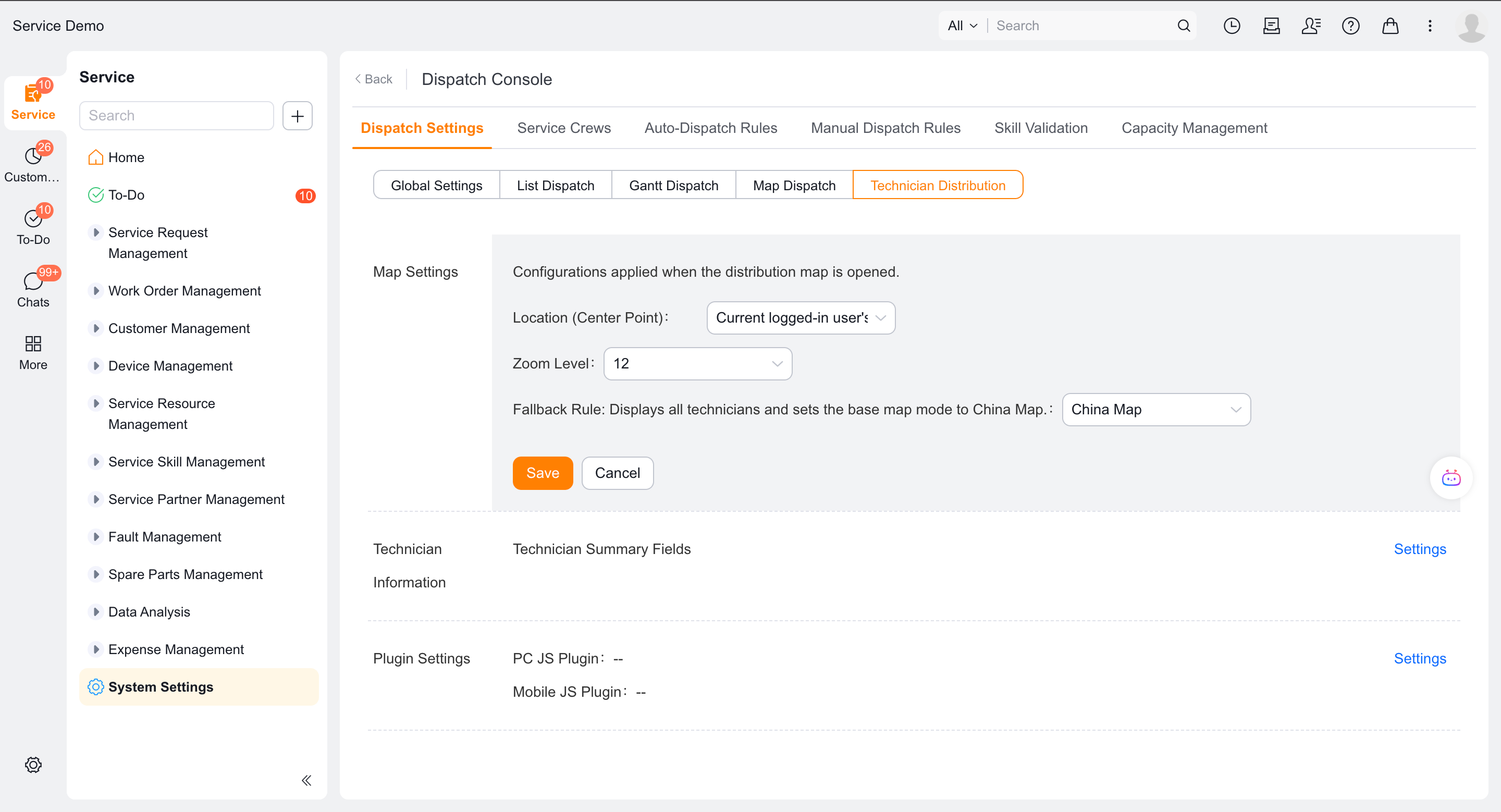
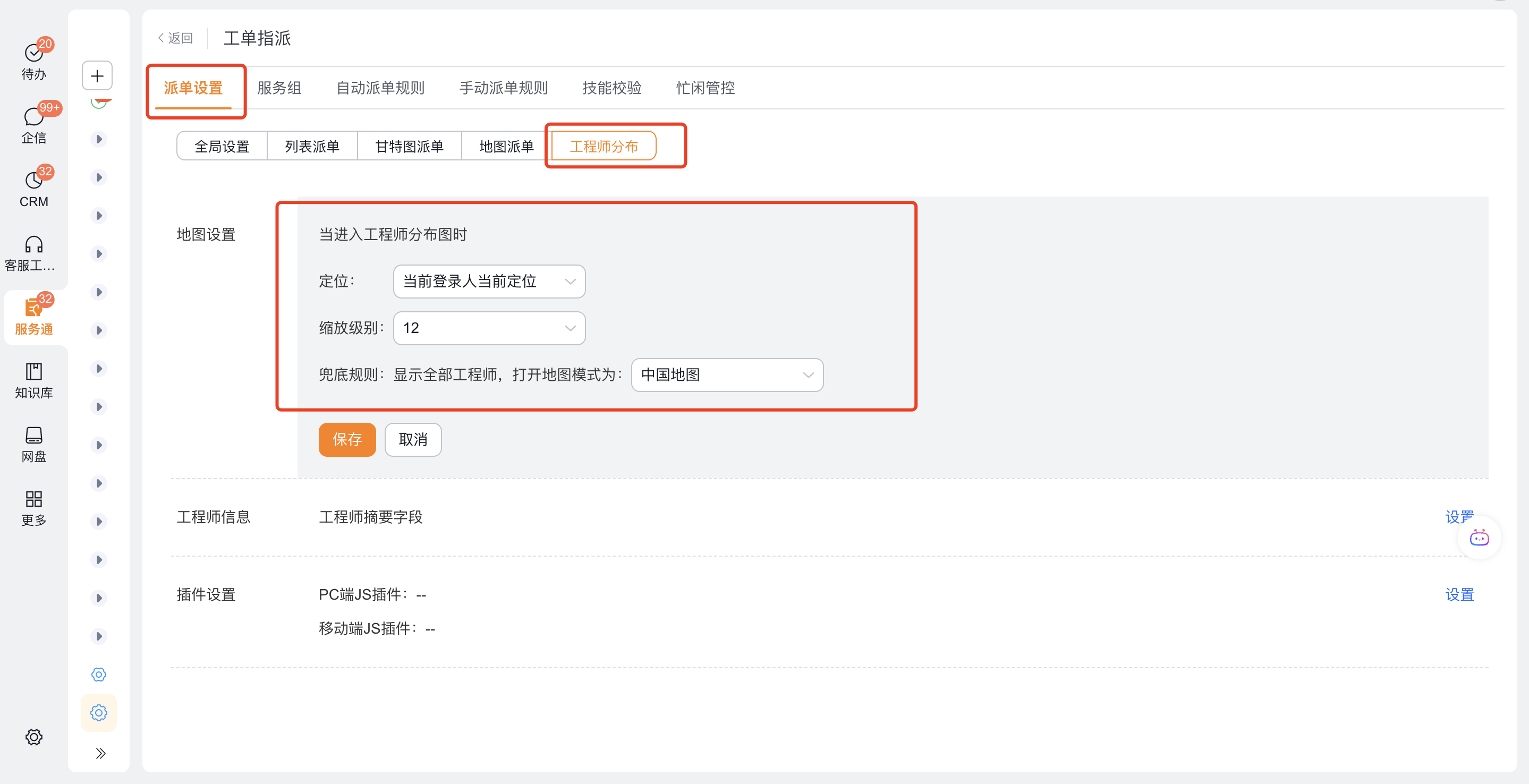
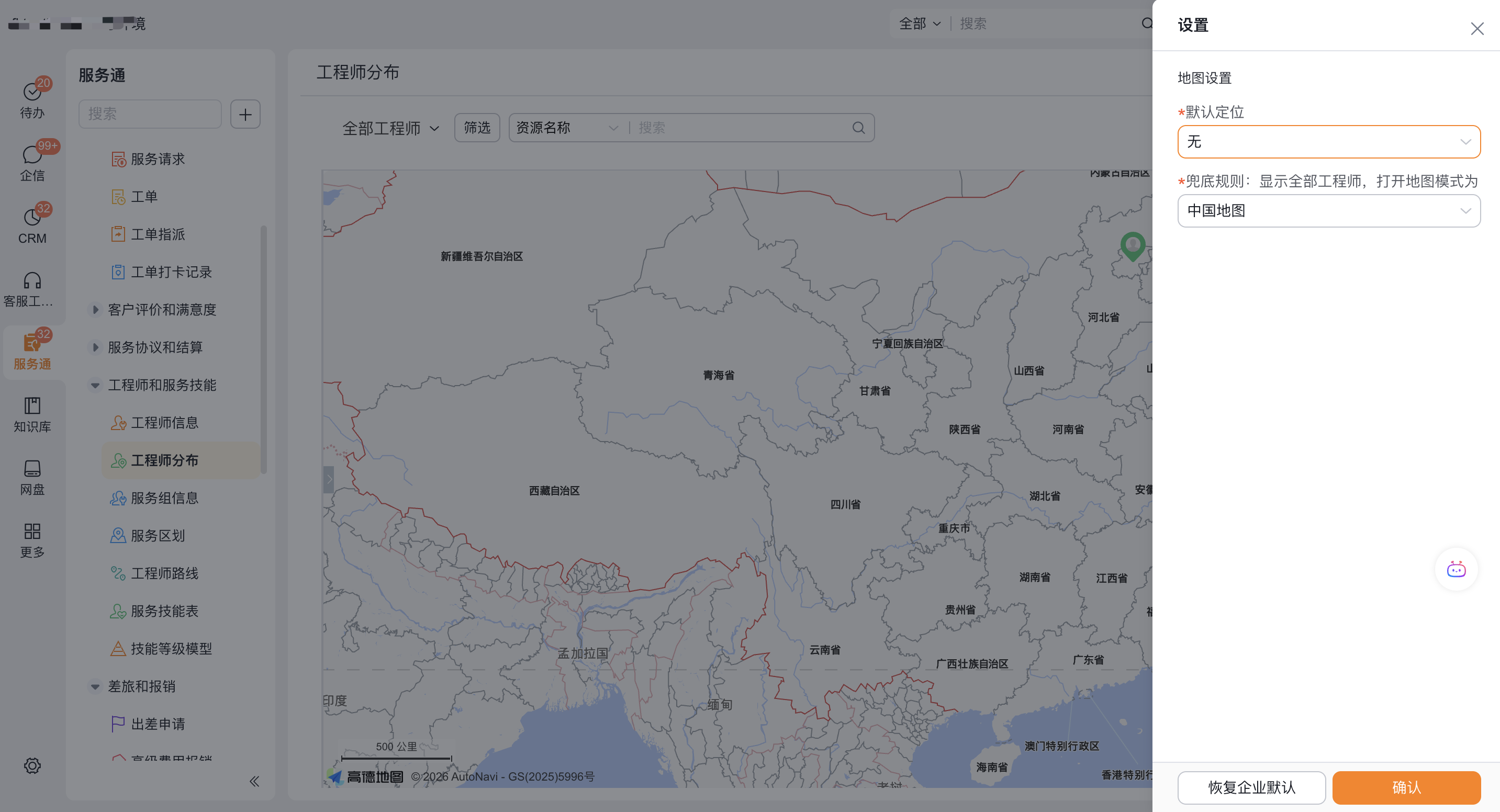
Configure enterprise-level map defaults in Service Settings > Work Order Assignment > Dispatch Settings > Engineer Distribution > Map Settings; users can also set personal positioning, zooming and display methods on the map distribution page.
3. View Gantt chart distribution
Use the web client to enter Engineer Distribution > Gantt Chart Distribution.
View engineers and their work order schedules.
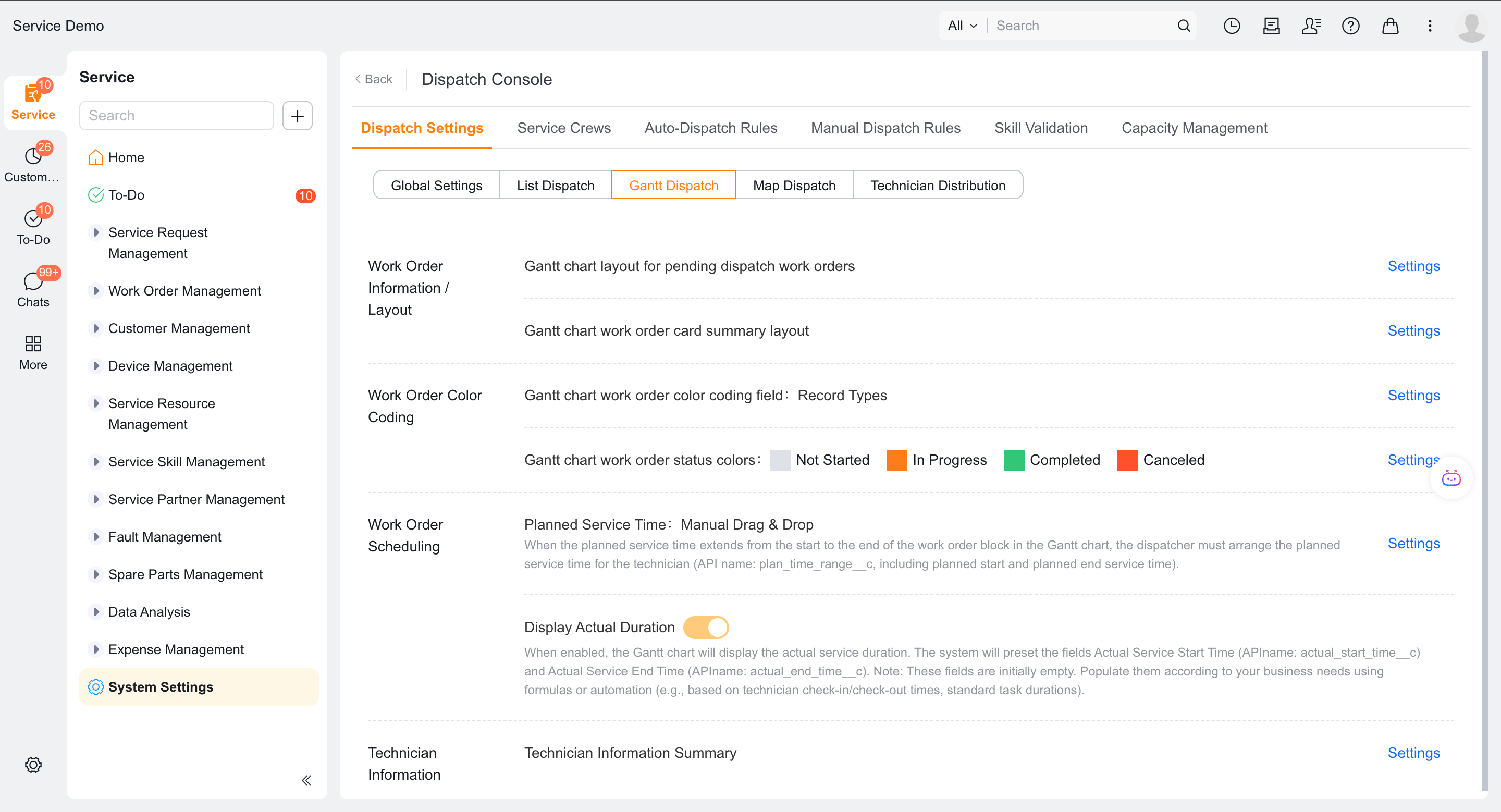
If you need to actually dispatch the order, exit the engineer distribution and enter the Gantt chart mode of Work Order Assignment.
Verify the result
- Engineers with a recent business location appear on the map. Engineers without a location do not appear.
- Users can only see engineers whose data permissions allow.
- The web displays maps and Gantt charts, while the mobile terminal only displays supported map capabilities.
- The dispatch operation does not appear in the engineer distribution Gantt chart.
FAQ
Entry is not visible or has no data
Check object permissions, function permissions, menus, data permissions, and engineer location in order.
Notes
- The online status is manually maintained by engineers, and the current location is not real-time positioning.
- Engineer distribution and work order assignment are different entrances.