Appearance
Service group dispatcher operations on the web and app
Overview
This article fully explains the operations of service group dispatchers in processing the tasks to be assigned to the current service group on the Web and App. It is used by administrators to verify the roles, menus, candidate ranges, and rejection, transfer, and reassignment permissions within the group.
Before you begin
- The current user is a dispatcher for the assigned service group.
- The service group adopts a dispatch mode that requires manual processing or automatic rule misses.
- Web and App portals are open for assignment.
Procedure
1. Assign work orders on the web
Go to To Do > Work Orders to be Assigned.
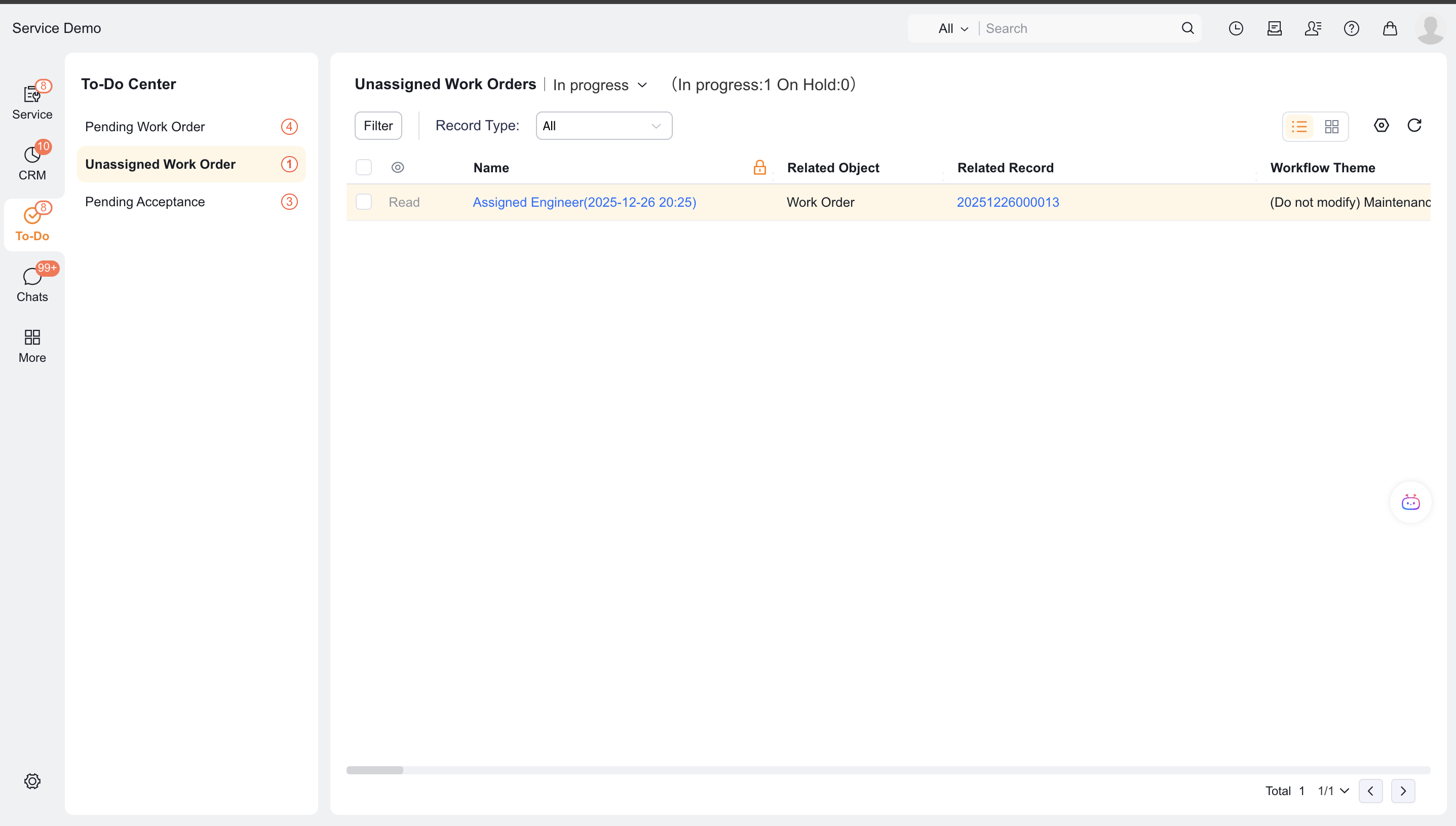
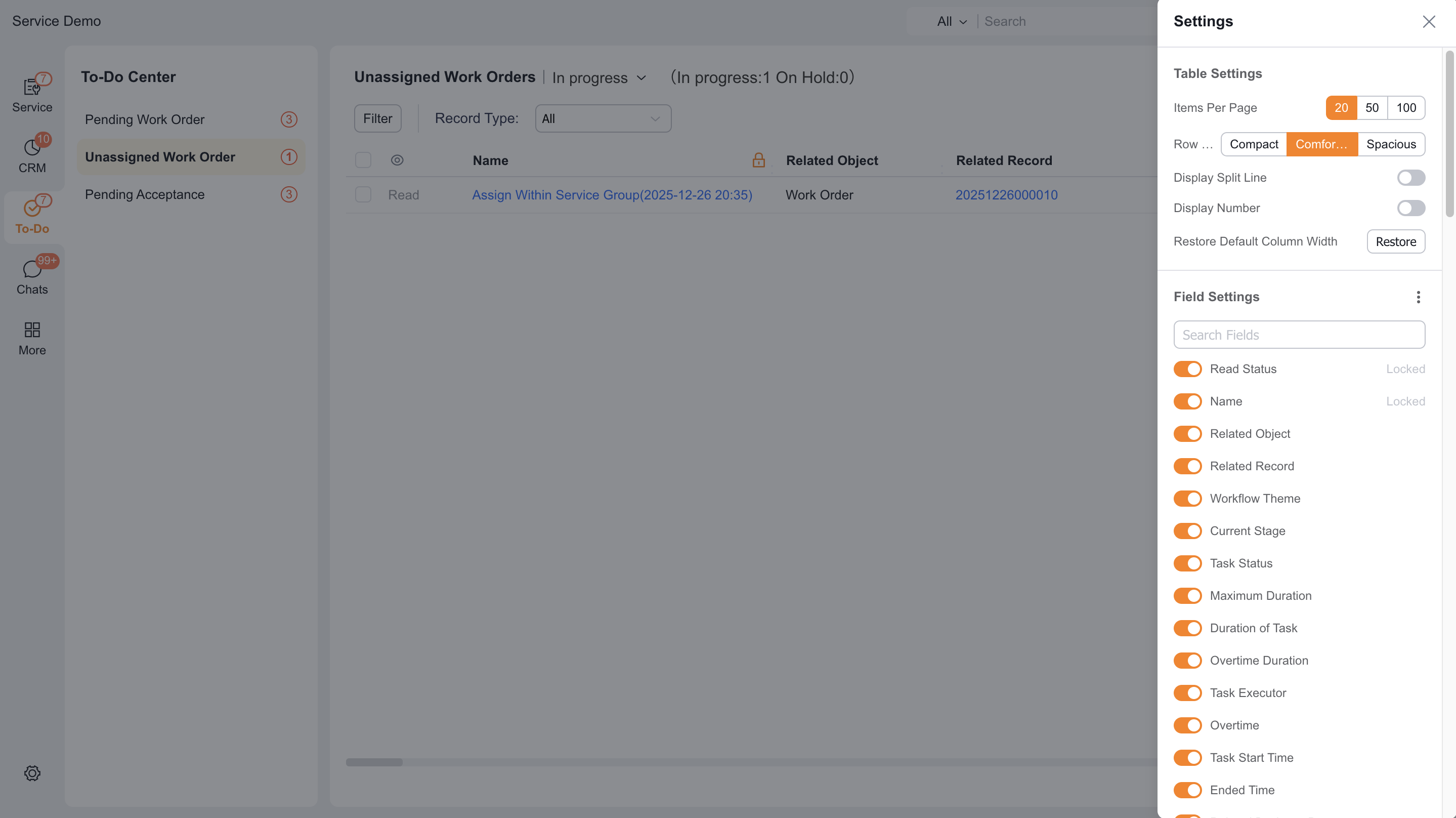
Click Settings in the upper right corner, configure the to-do list column and click Apply.
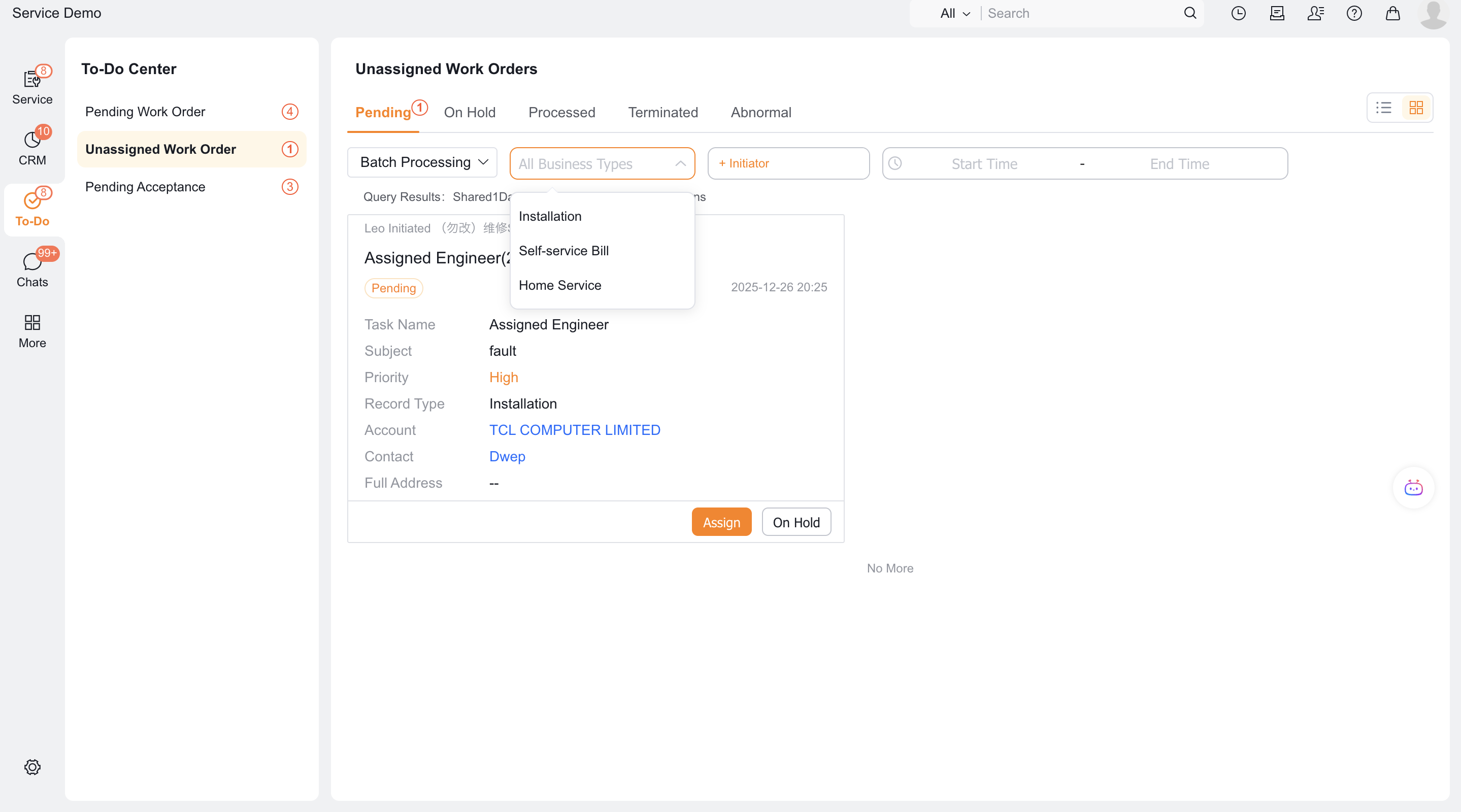
Select the work order and click Work Order Assignment.
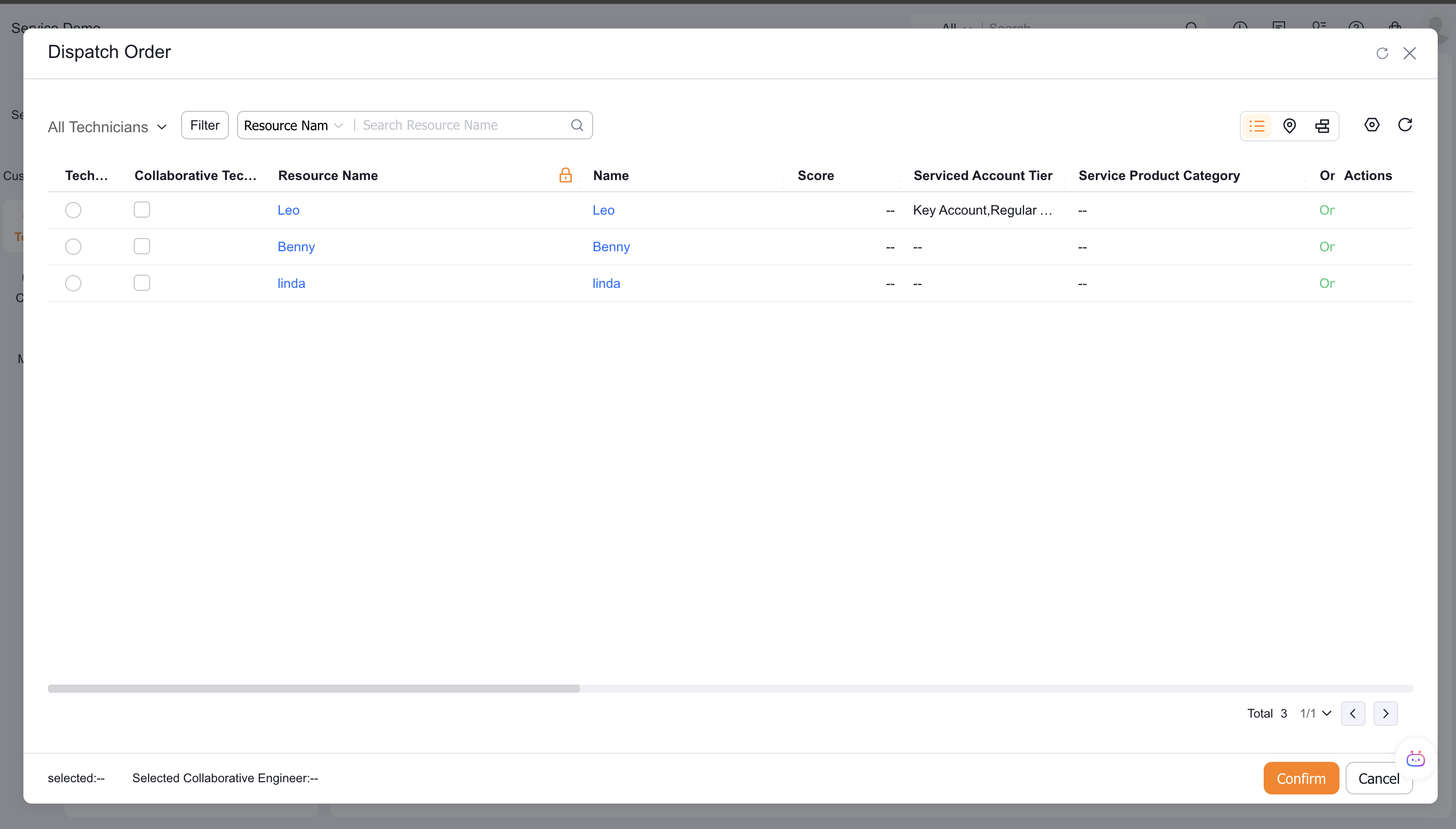
View the engineer's online status, current location and number of dispatched work orders in list mode.
Select the recipient from the engineers in the current service group; after enabling engineers outside the group, you can select other engineers on the All Engineers tab of the Web.
When the work order has a location address, you can use map mode to view nearby service resources.
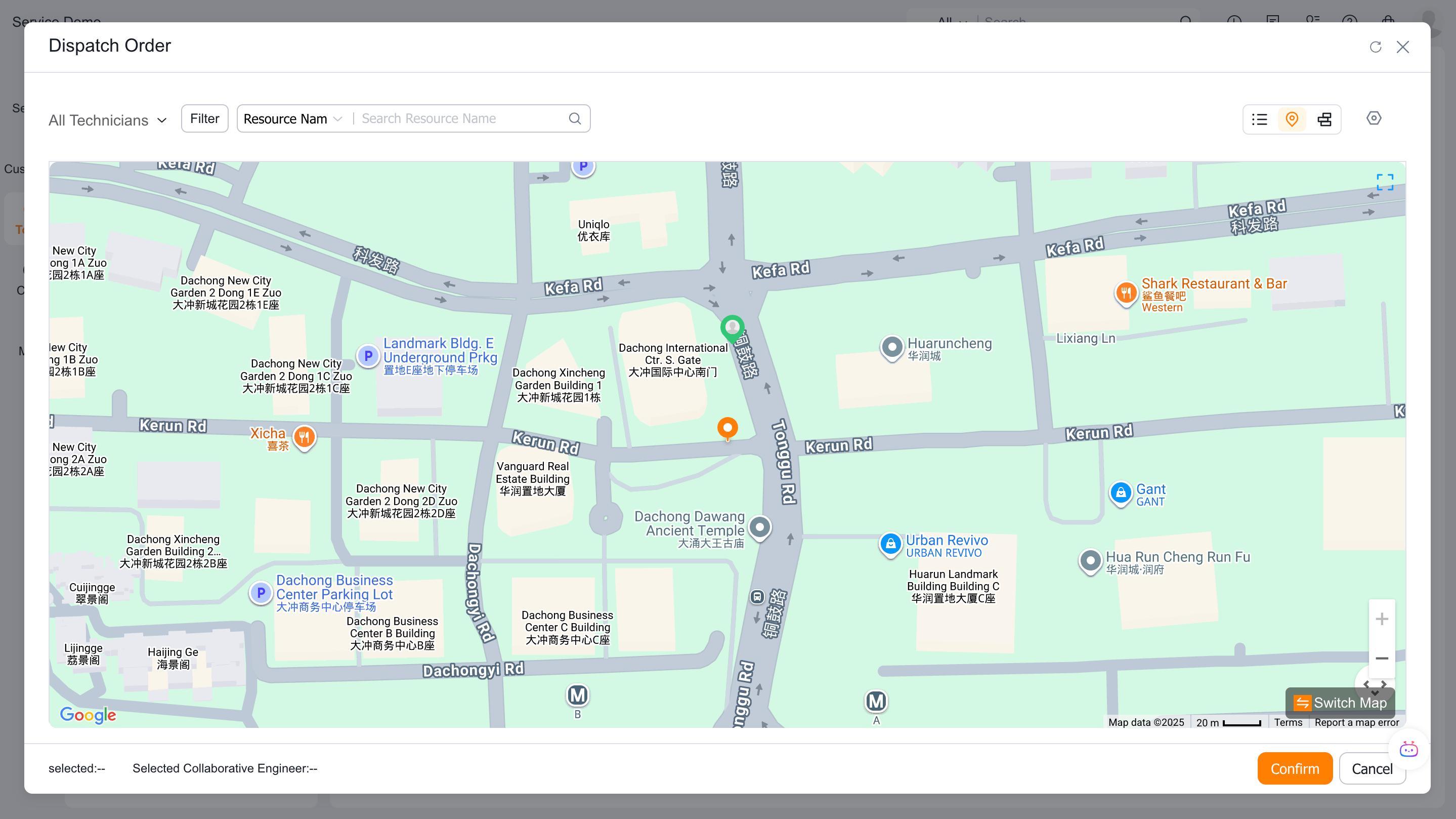
2. Assign work orders in the app
Go to To Be Assigned at the workbench.
Select the work order and click Work Order Assignment.
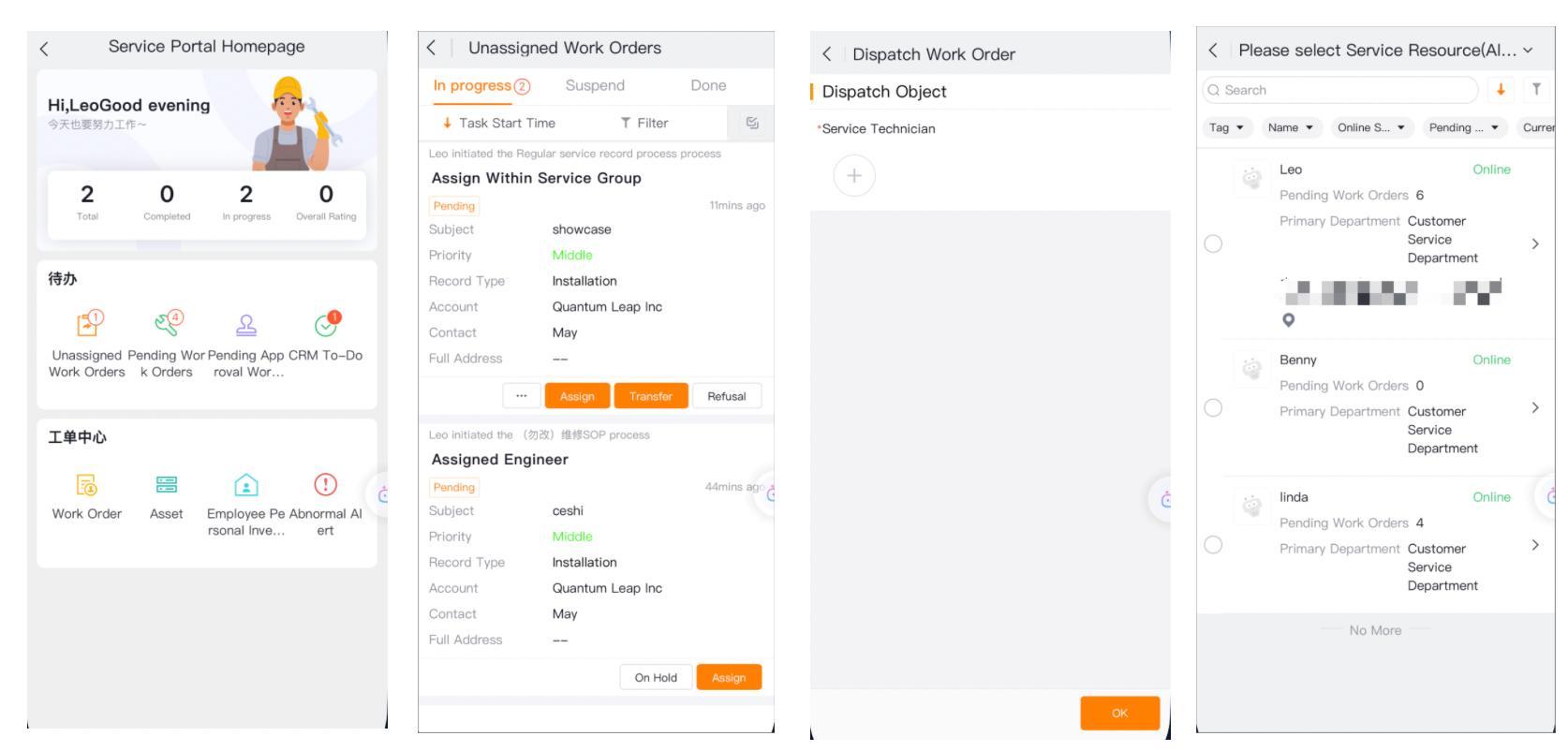
Select Engineer and confirm.
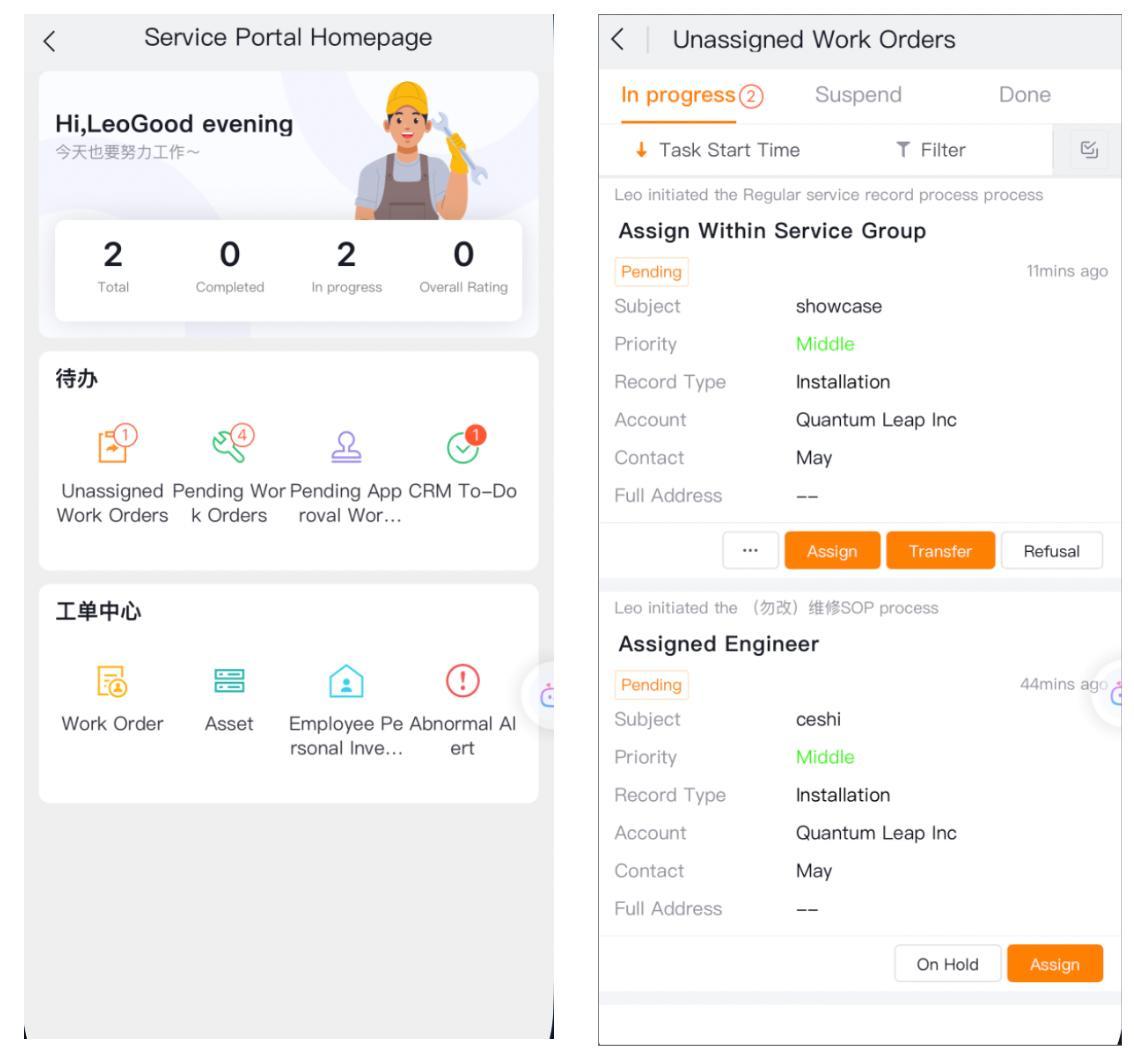
If collaborative engineers are enabled, multiple collaborators can be selected.
3. Order rejection, transfer and reassignment
When the service group rejects an order, fill in the description of the configuration requirements and submit it, and the work order will be returned to the company dispatcher.
When transferring a service group, select another service group and submit.
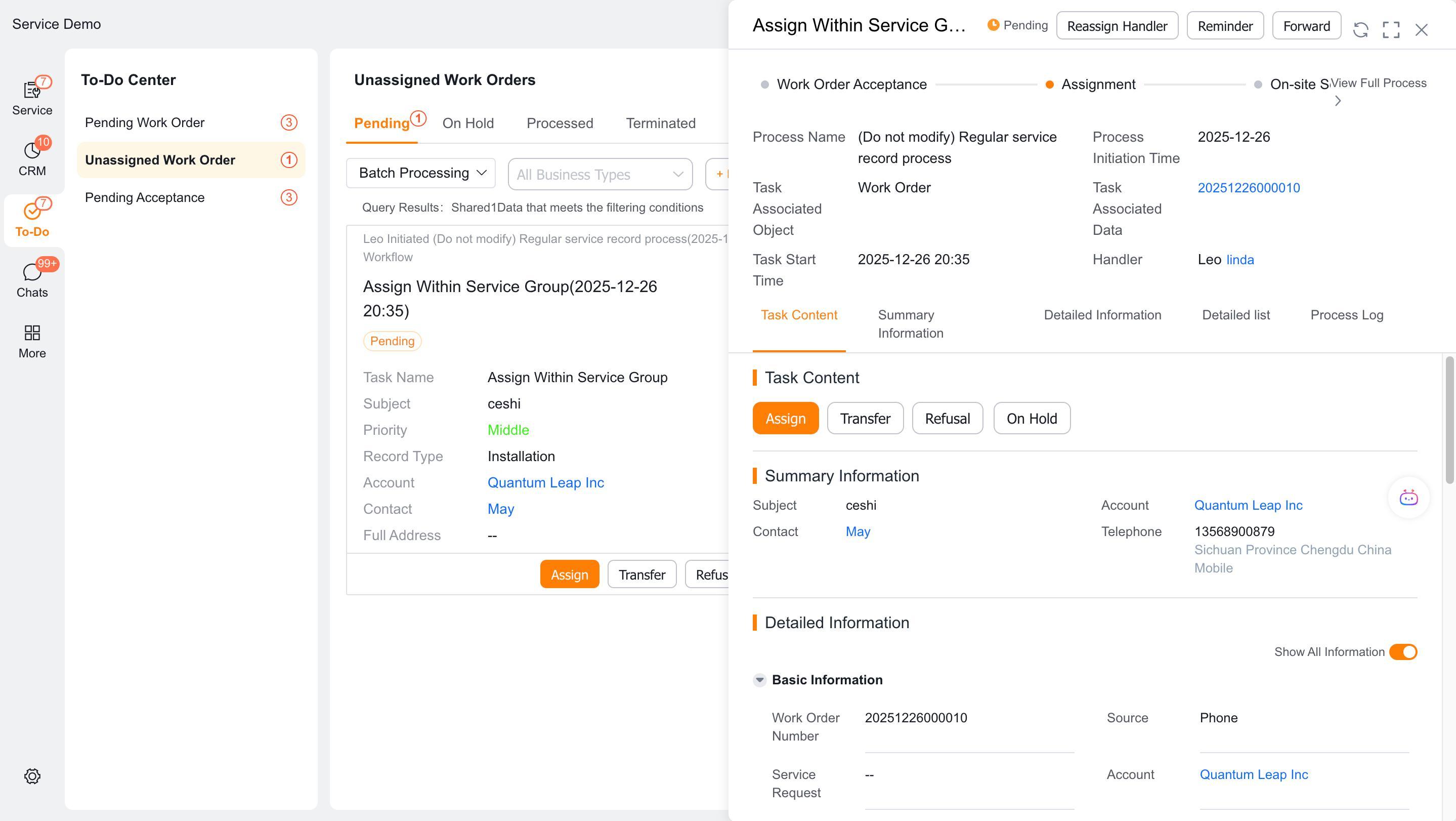
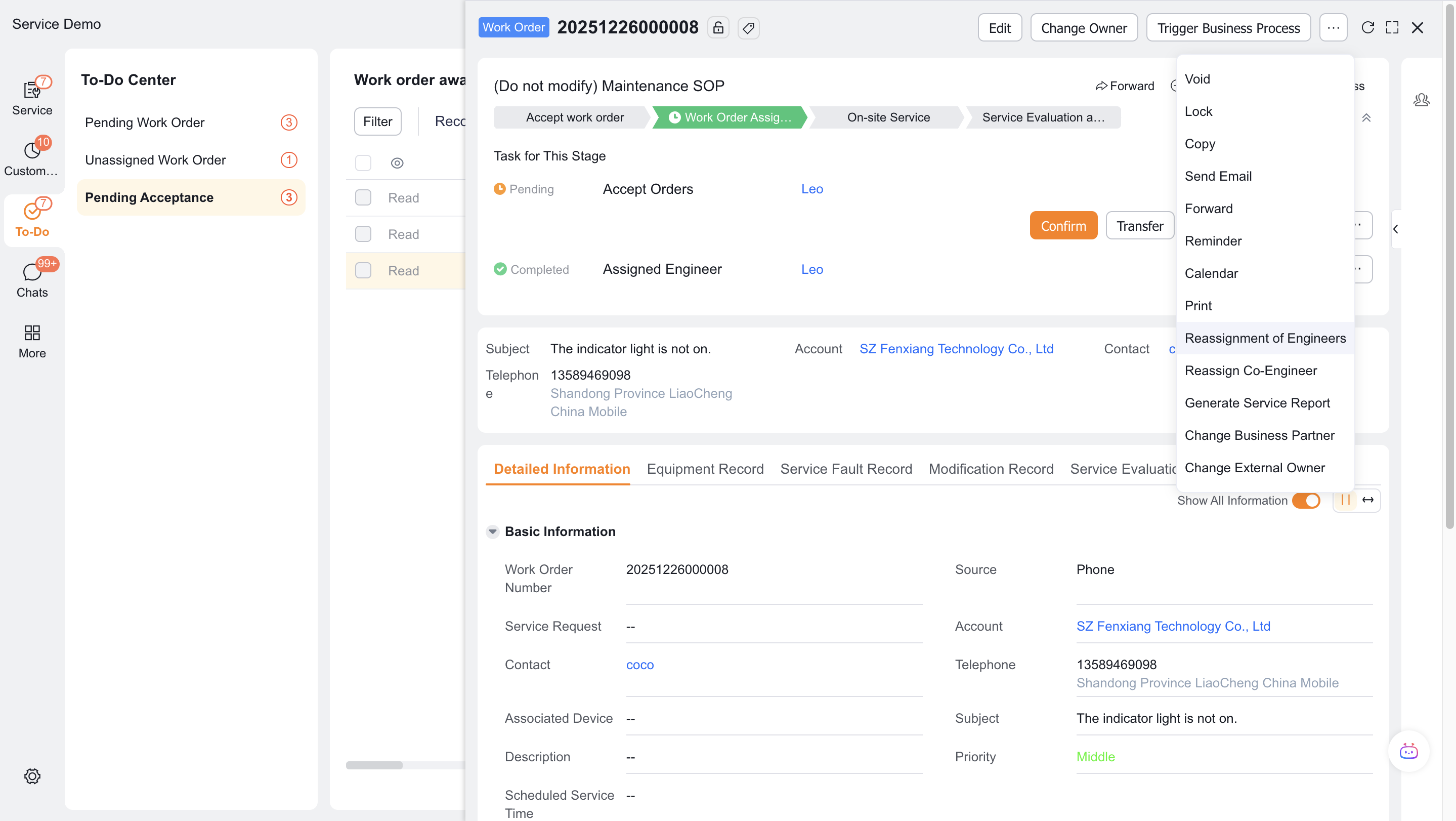
After dispatching the order, if you have the permission to reassign the button, you can perform the reassign in the work order details.
Verify the result
- A service group dispatcher receives assignment tasks only for their current service group.
- The default candidate range is only engineers in the group.
- Web displays all engineers after the global switch is enabled; App capabilities are not inferred based on this.
- The service group rejects the order and returns it to the company's dispatcher, who then transfers the order to another service group.
FAQ
Only engineers in the group can be seen
This is the default scope. If you really need people outside the group, enable the global switch and verify on the web.
Map dispatch cannot be used
Check the work order location address and current platform; the App does not support map dispatch.
Notes
- Service group dispatchers do not handle enterprise-level assigned engineer or service group tasks.
- Reassignment requires both button permissions and detail page layout.